Portfolio
Project: Looker
Project: An app allowing people to buy fashion based on their characteristics.
1/8 User research 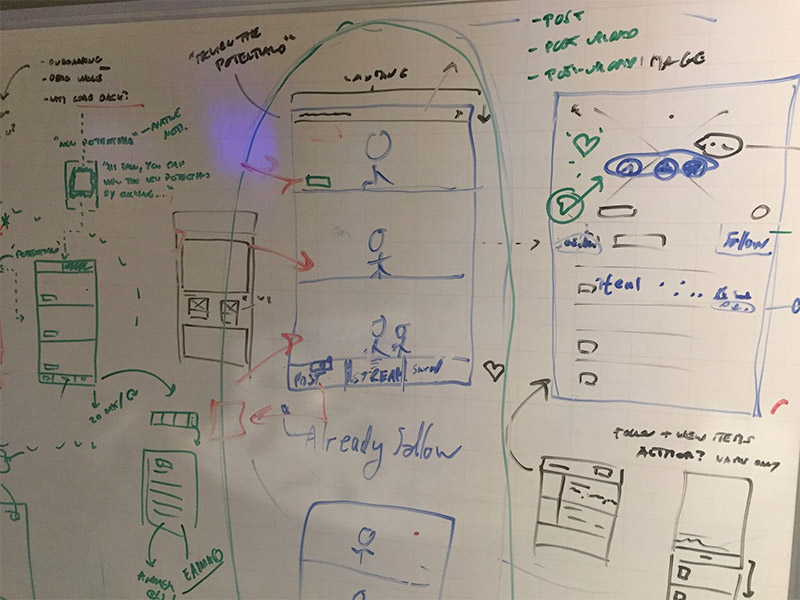
Phase 1: Conducting user interviews using the JTBD method, I collected and consolidated the user requirements.
2/8 Sketch / Wireframe (Lo-fi) 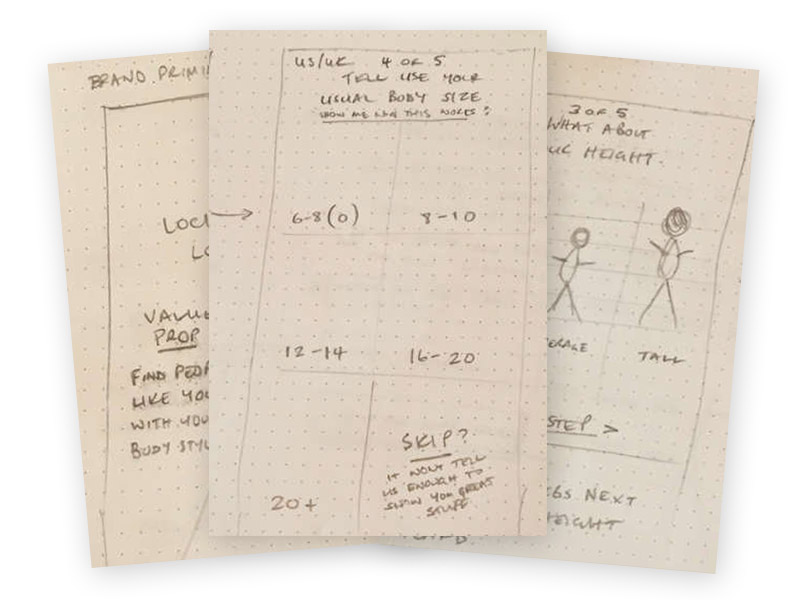
Phase 2: After reviewing the user and business requirements, I made simple wireframes of the UI.
3/8 Visuals (Hi-fi) 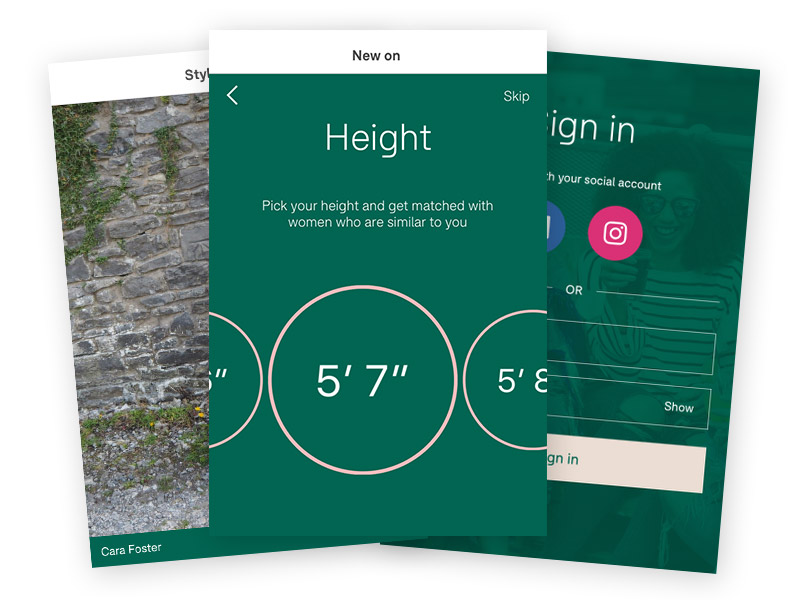
Phase 3: From these wireframes I designed the formal UI in Photoshop.
4/8 Prototypes 
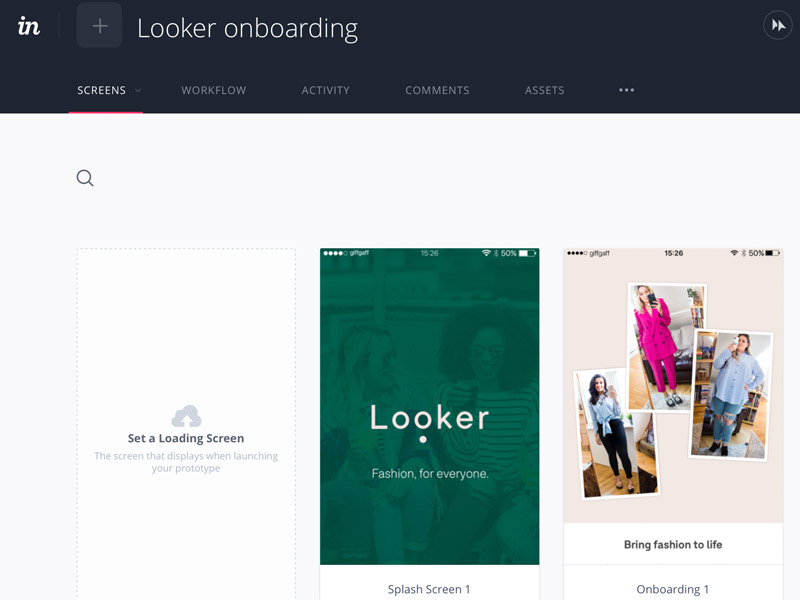
Phase 4: I put these UI designs together in InVision to do rough user tests, to see if the UI/UX meets the user needs.
5/8 Pre-release
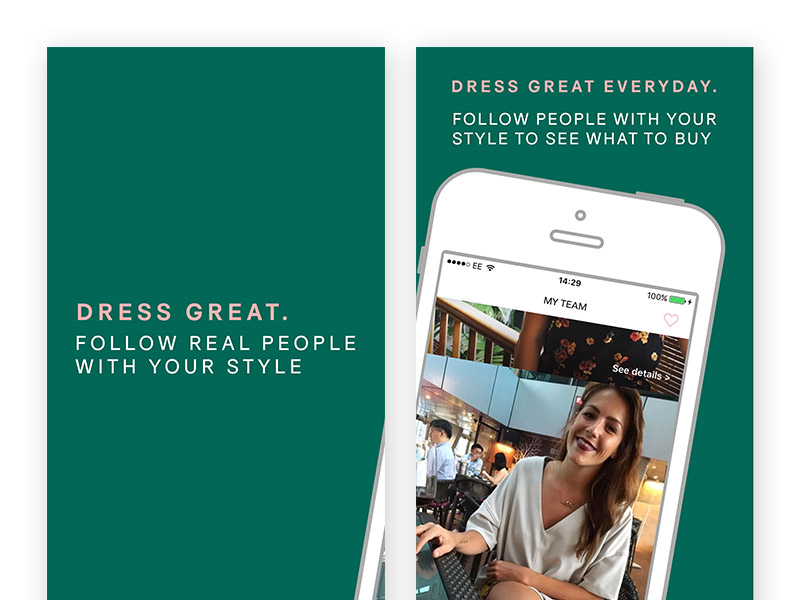
Phase 5: After the app was made, I designed the App store assets and other press materials.
6/8 User research
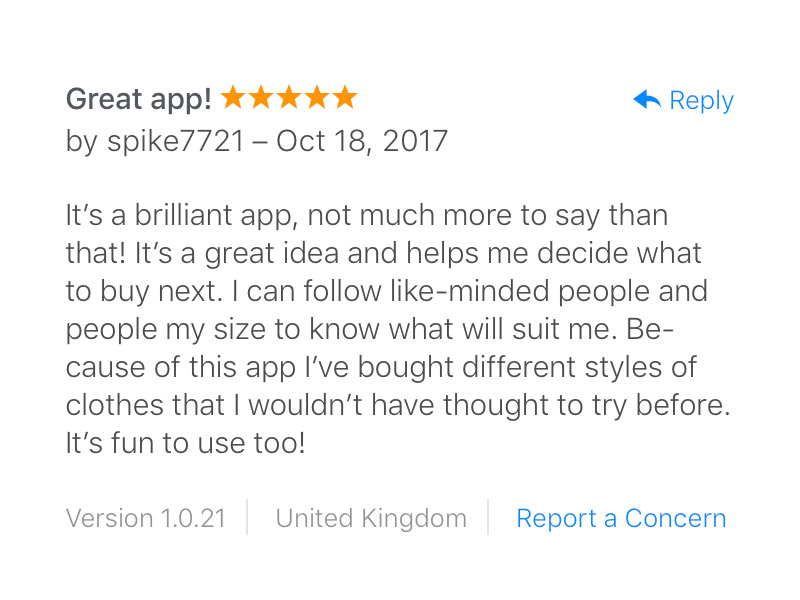
Phase 6: User research showed an NPS of 8/10 (an example app review left in the app store above).
8/8 UX iteration
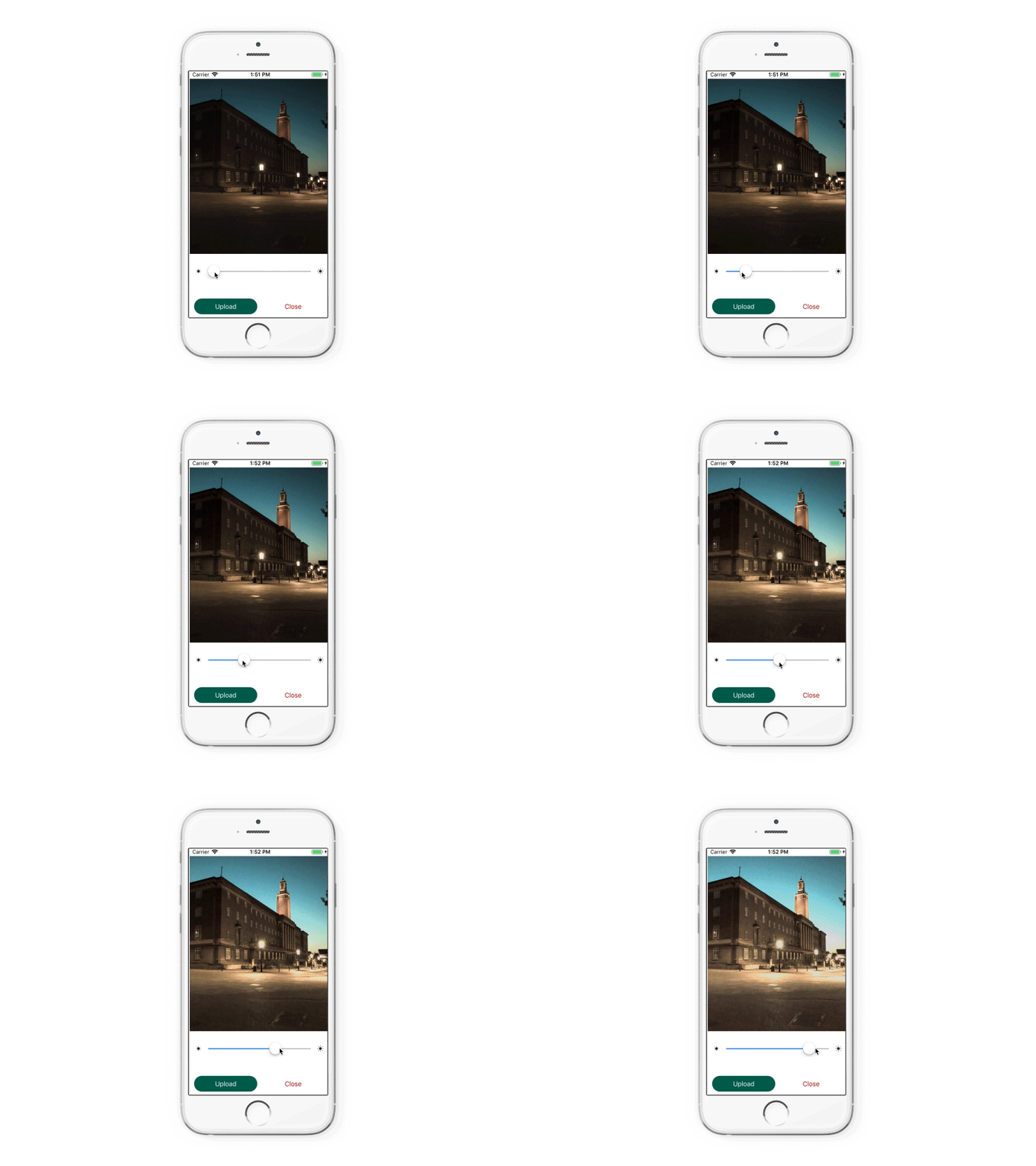
Phase 8: Whilst iterating on the design, I noticed that a lot of user uploaded images were too dark (under-exposed). I wrote a GPU accelerated "Magic Slider" that modified the histogram of the image to brighten the image without distortion.
Project: Rormix

Project: An app allowing independent artists to reach a wider audience.
1/12 User research
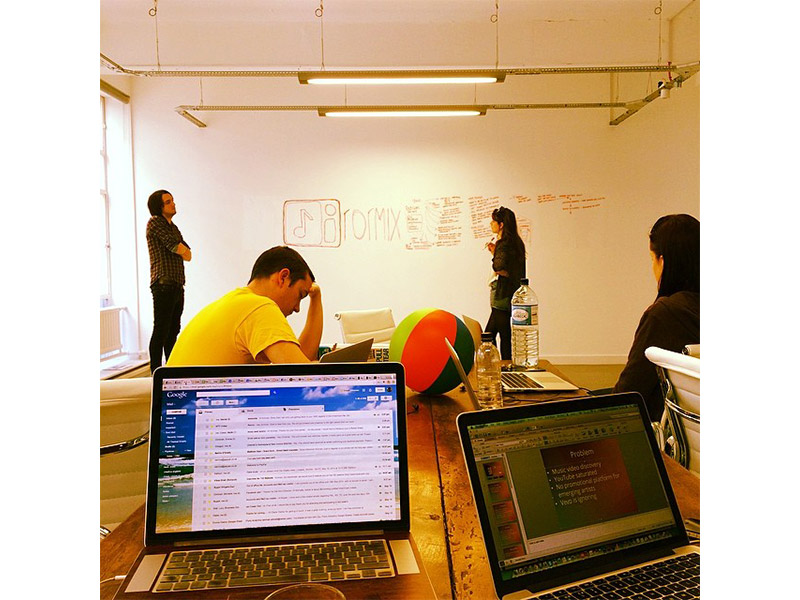
Gathering feedback from users to develop product strategy.
2/12 User research
Optimising the Rormix website I designed and built.
3/12 UX design
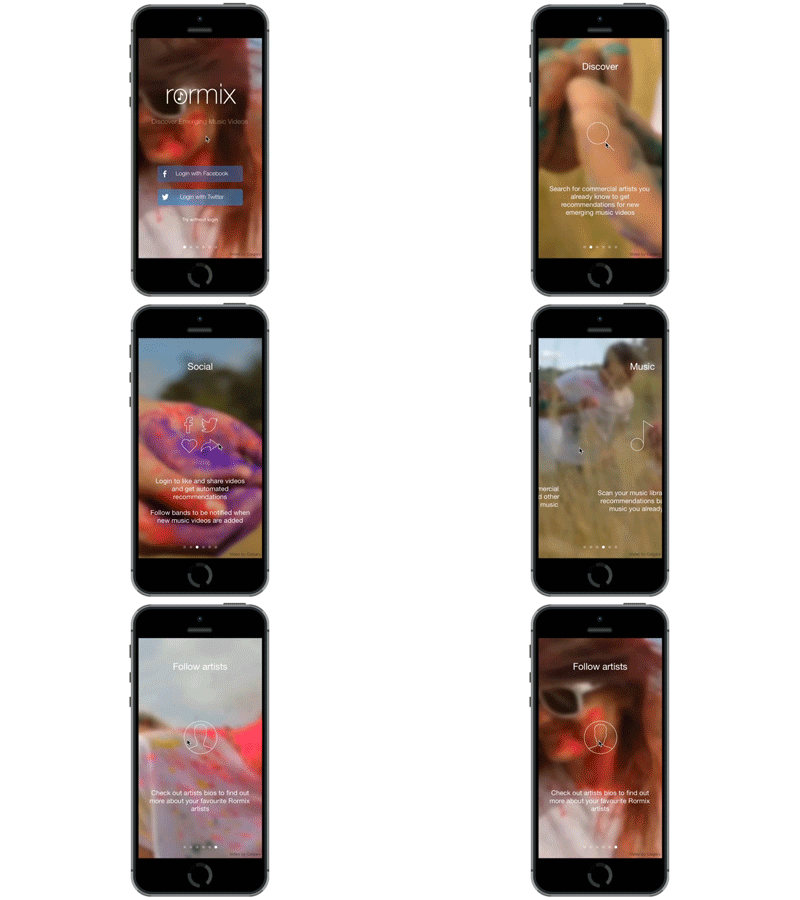
A login screen for Rormix, I edited the video to loop seamlessly in the background, with optional onboarding via swipe.
4/12 UX design
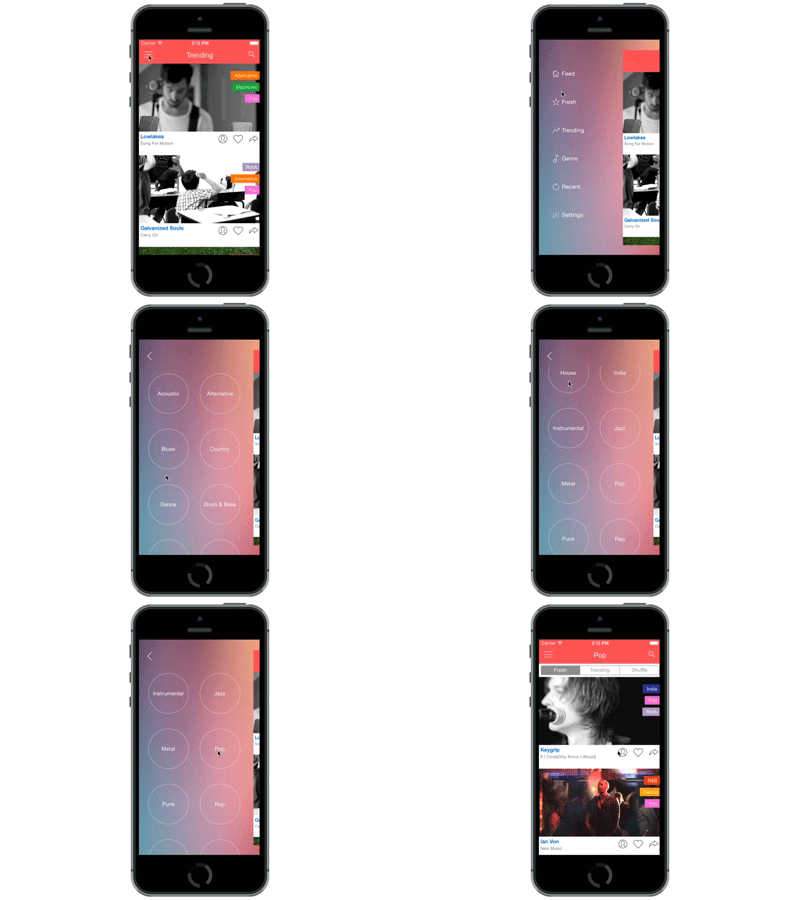
A new spin on the traditional hamburger menu, to give the user a better sense of hierarchy, the main screen slides away.
5/12 User research
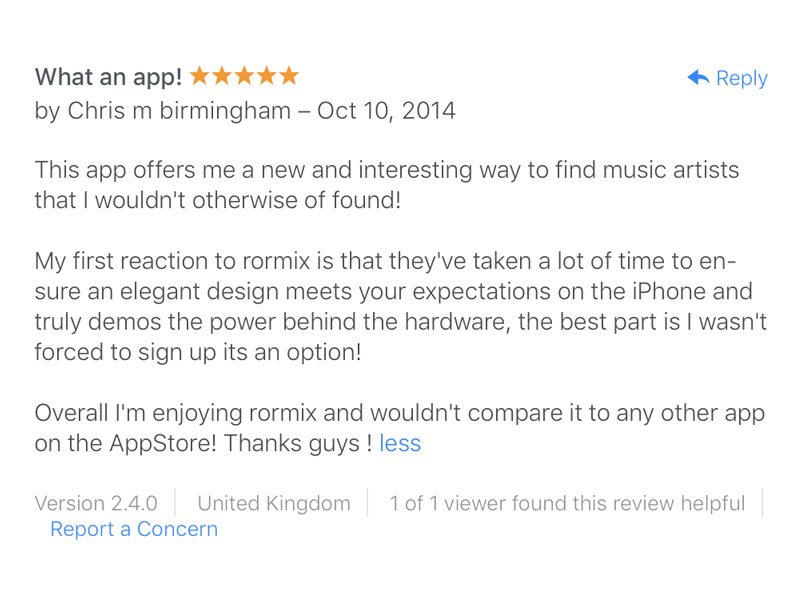
A user review of the iOS app.
6/12 User research
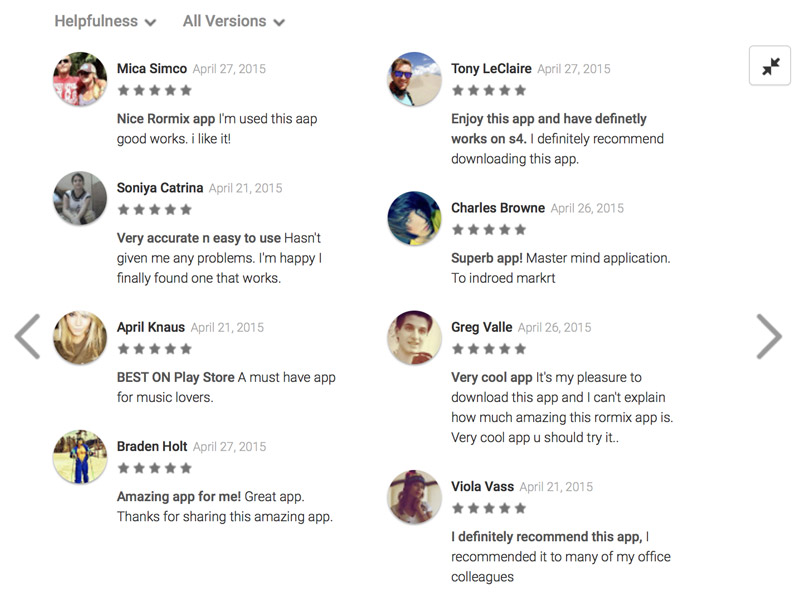
User reviews for the Android app.
7/12 User research
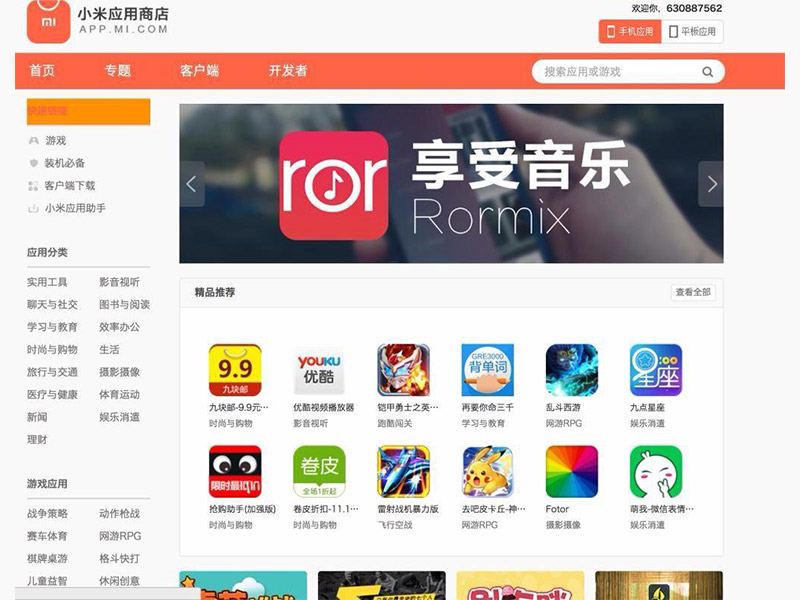
Rormix (Android app) featured in the Chinese Mi store.
9/12 UI design
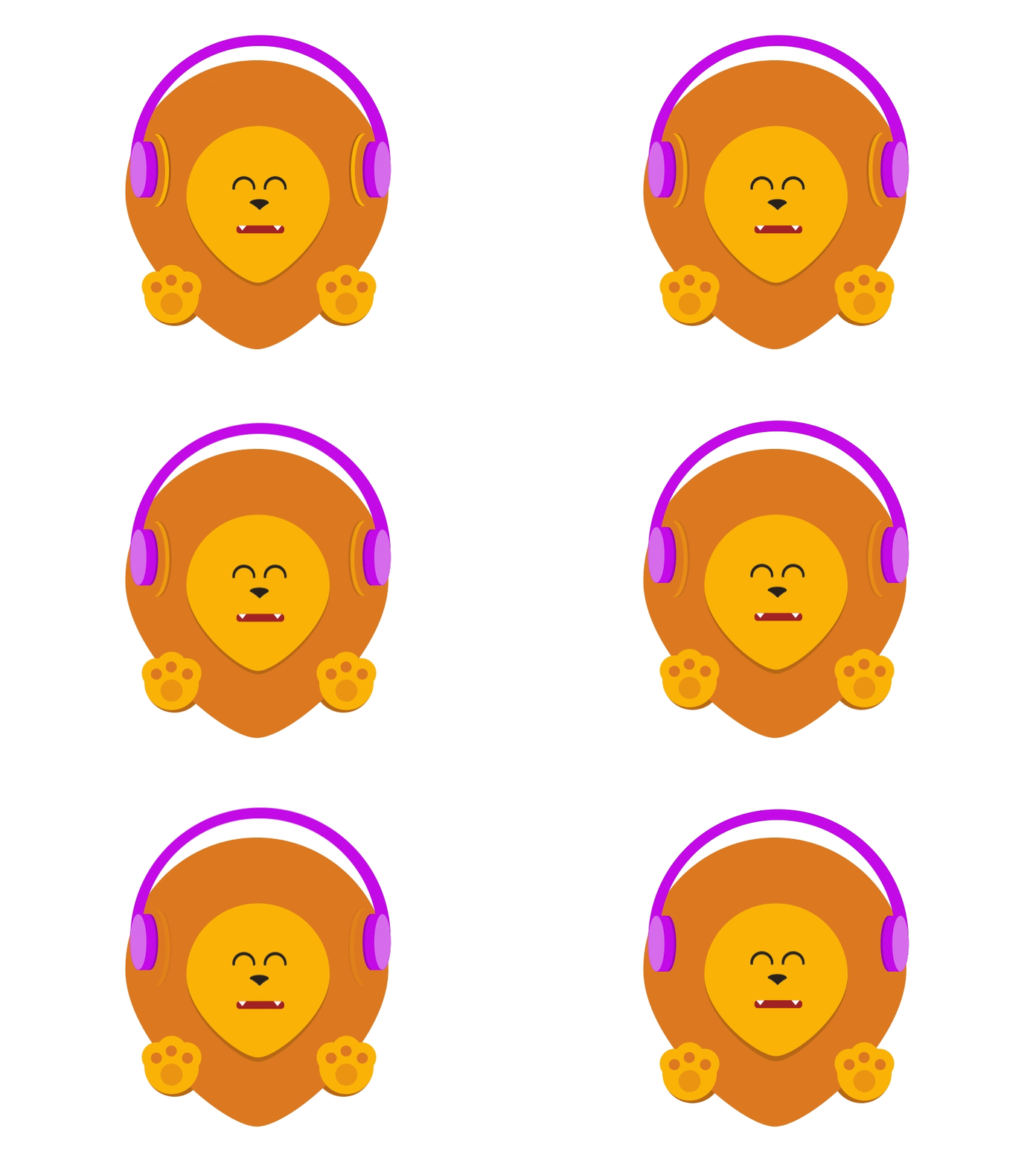
Music app mascot, the individual layers were animated when music was playing so they would dance to the beat.
10/12 Development
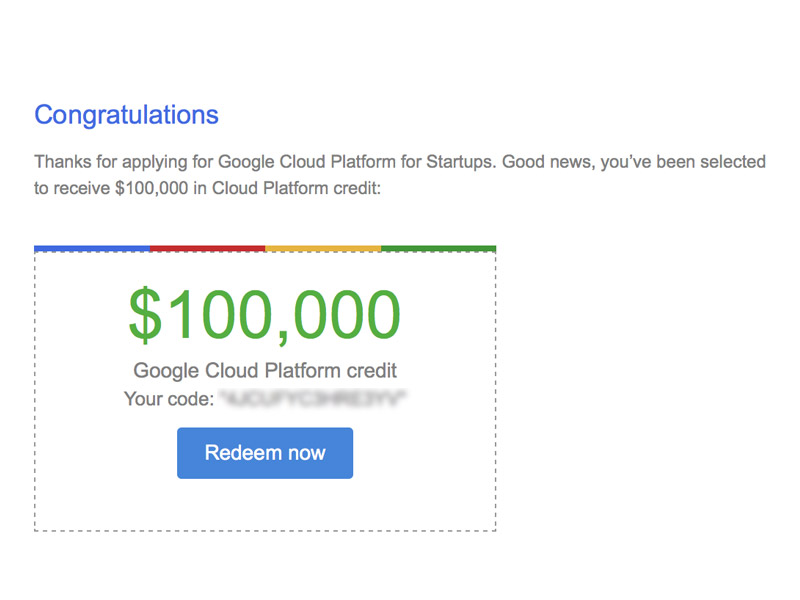
Rormix won $100,000 in Google Cloud credits under its startup program.
11/12 Development
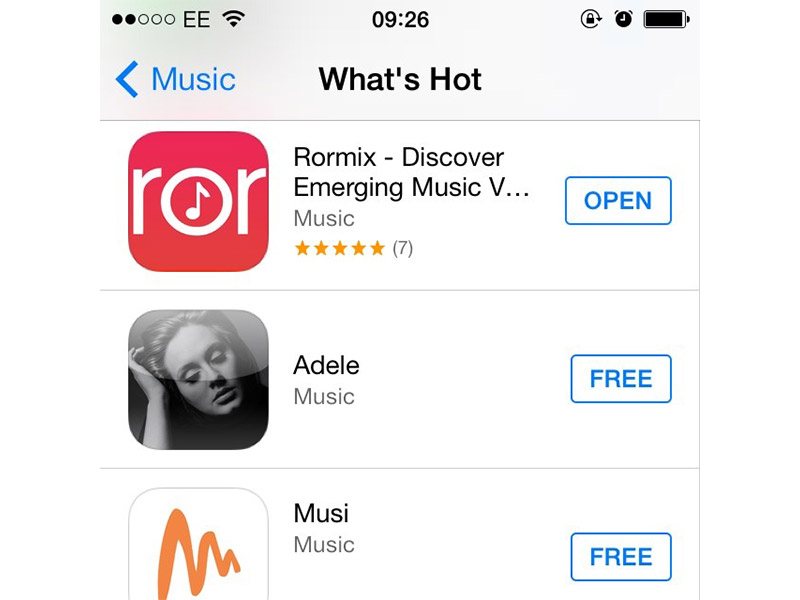
Rormix was featured the What's Hot section of the Apple App store.
12/12 Startup
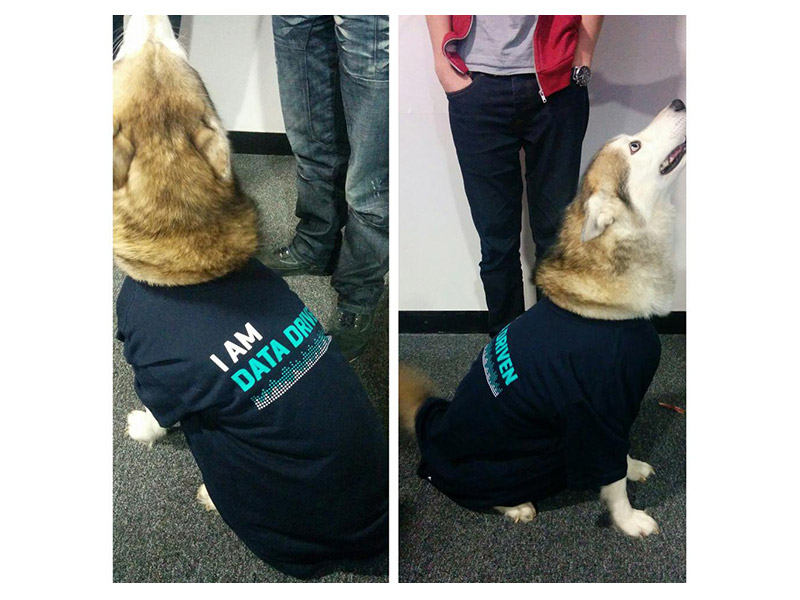
Our data driven office dog sporting a t-shirt sent to us from Mixpanel.
Interaction / visual design
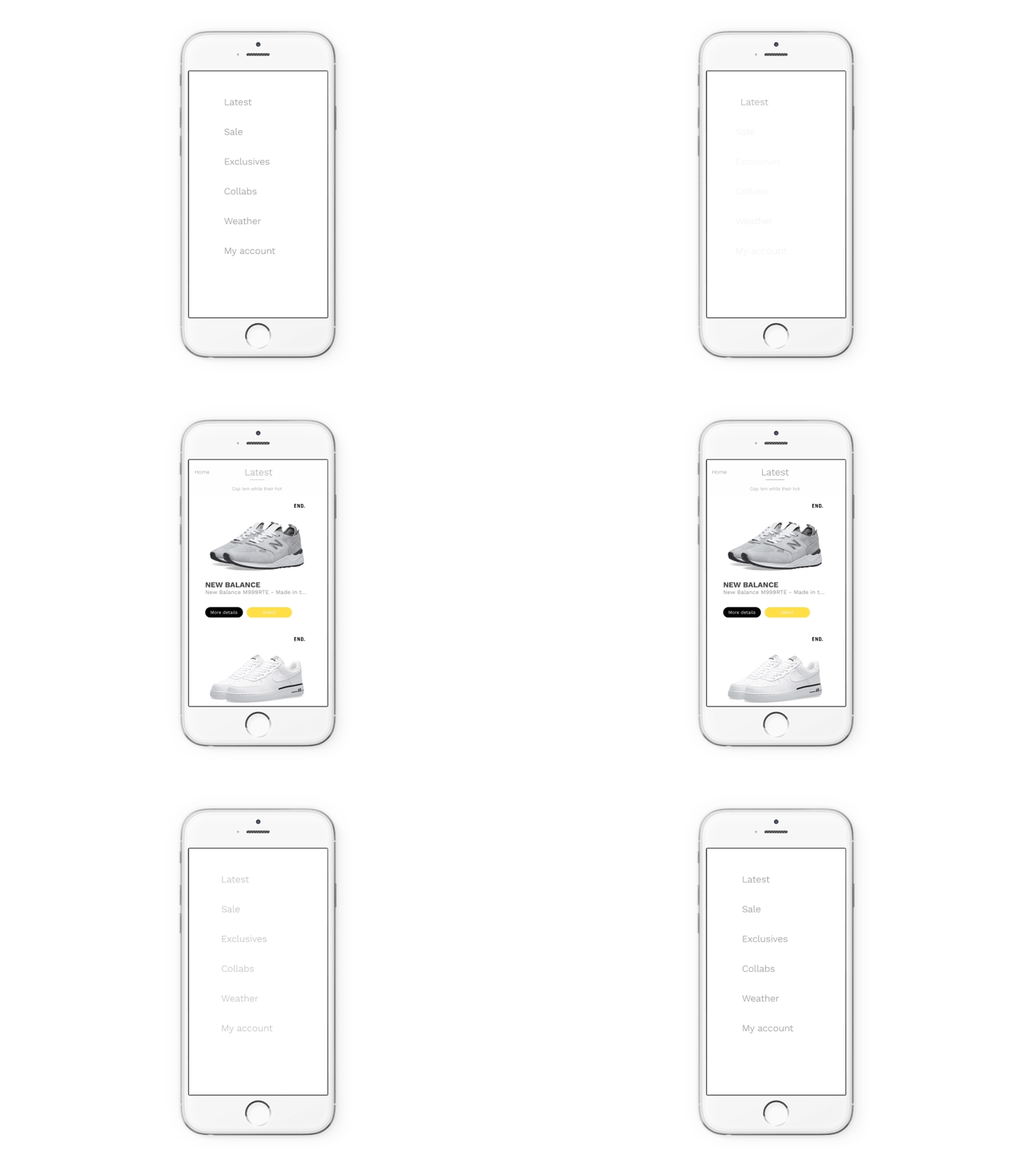
View controller slide-in transition, multiple layers of secondary animations are used to give the animation life.
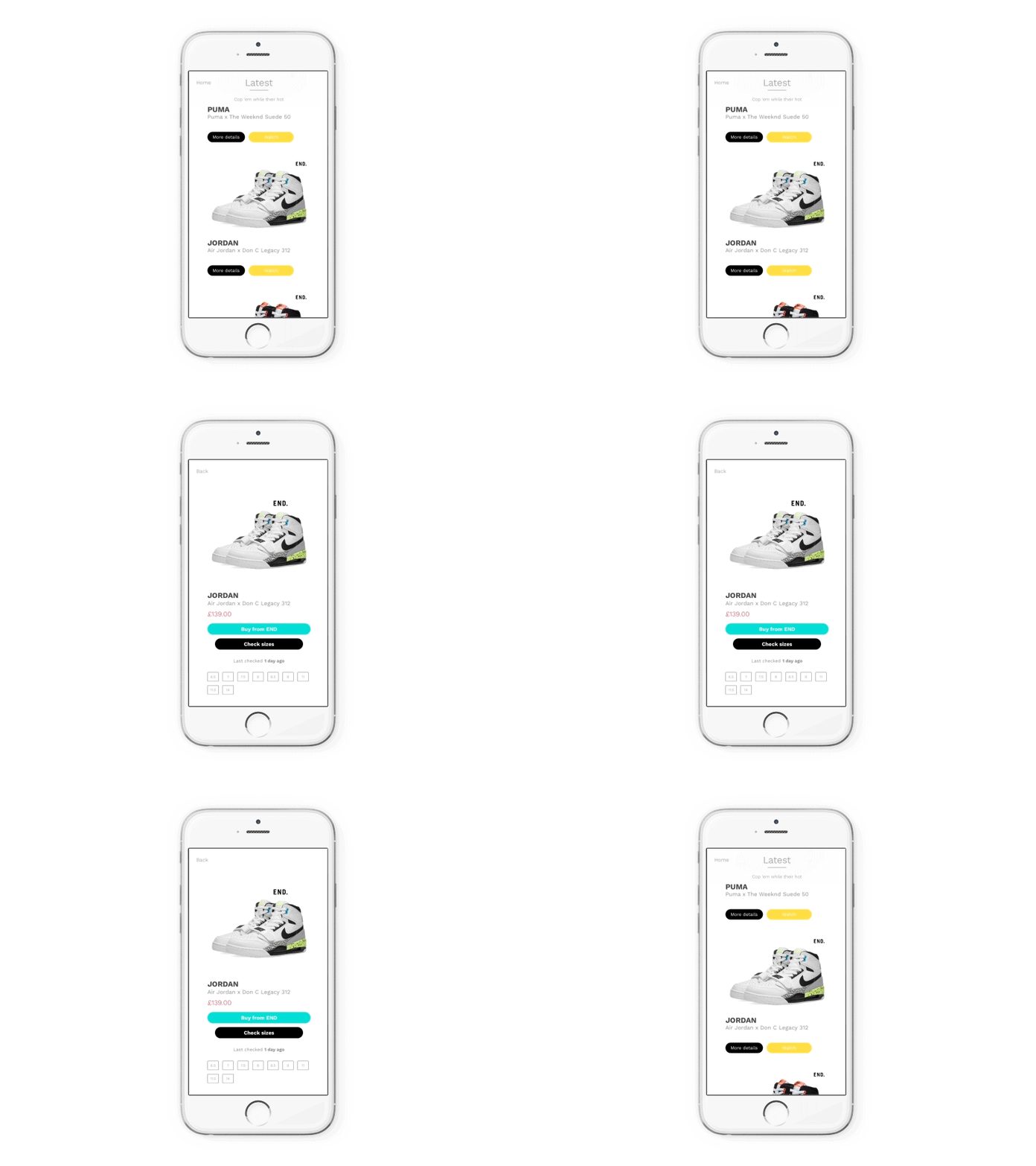
Product detail transition, a multi-layered animation causes UI elements to move in and out causing a seamless segue between views.
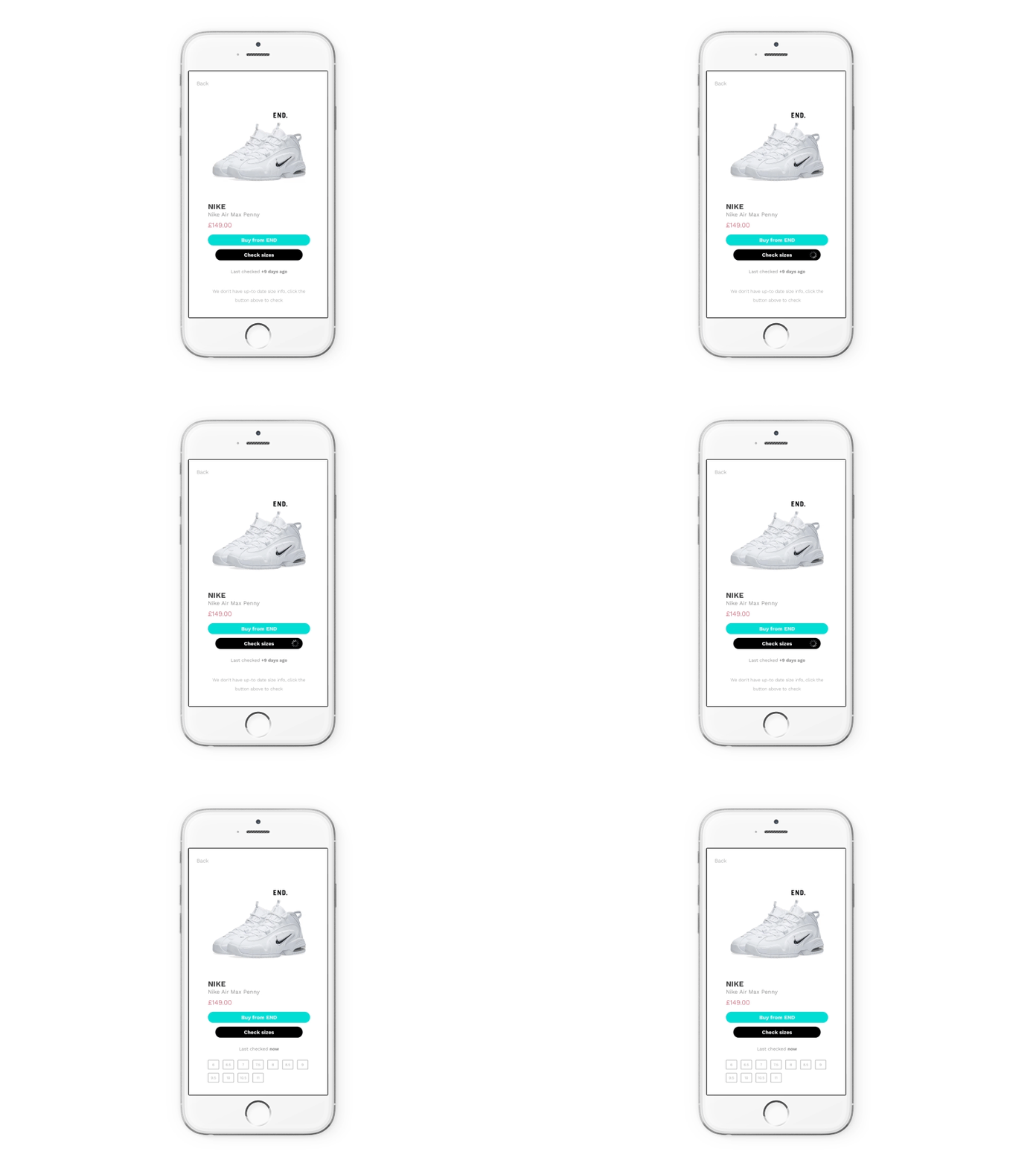
Updating sneaker sizes causes a spinner, followed by a custom fade in animation in a custom built view.
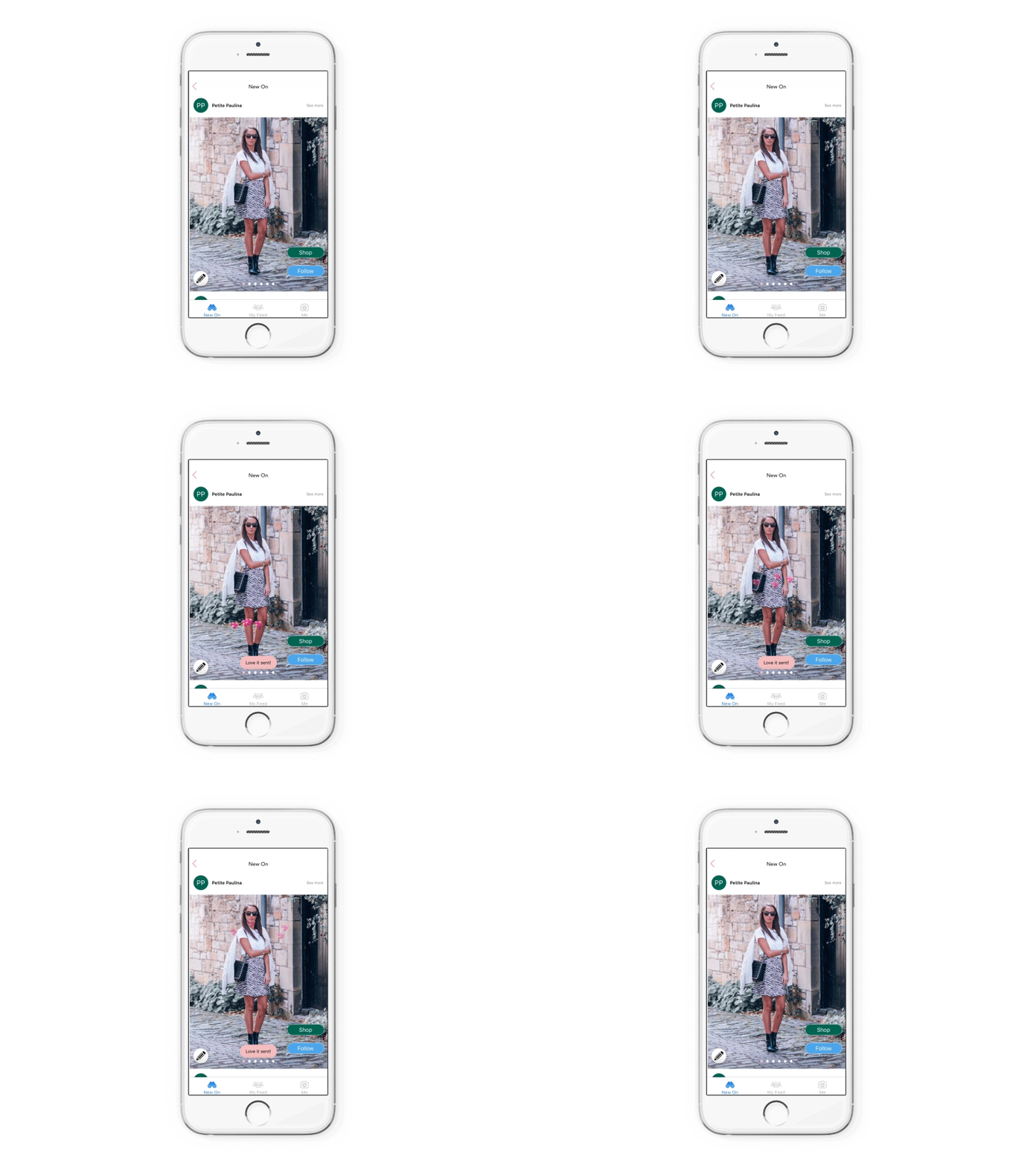
Double tap animation, hearts follow a random upward path. The more taps the more hearts appear.
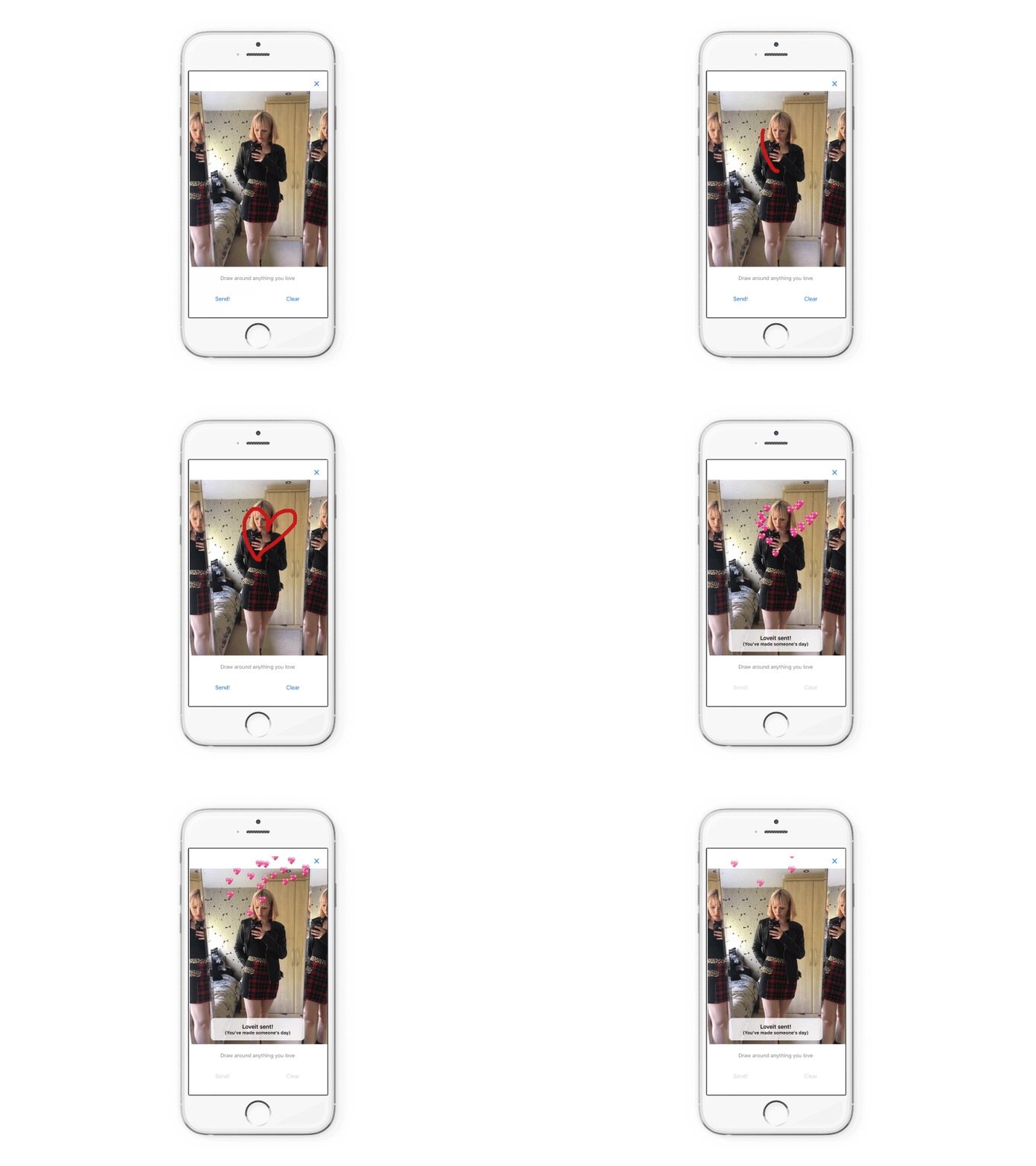
To tell someone you like their outfit you can draw a custom message, that bursts into hearts on send.
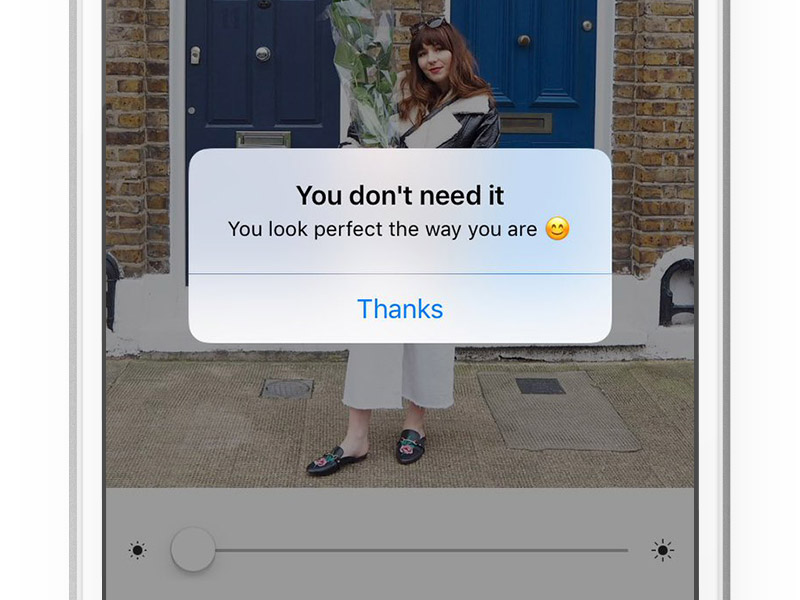
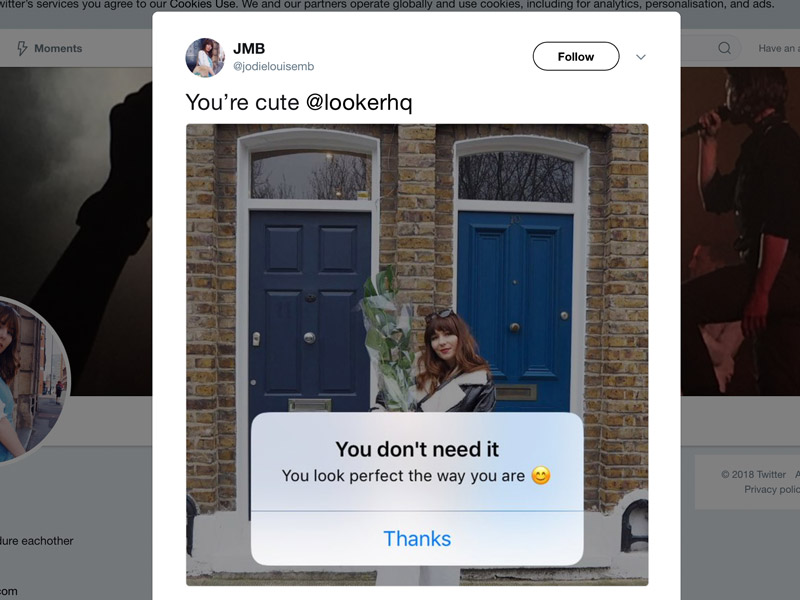
A message I added for a body positive fashion app (preventing users from applying filters to themselves). Users tweeted screenshots of the message after launch.
Micro interactions
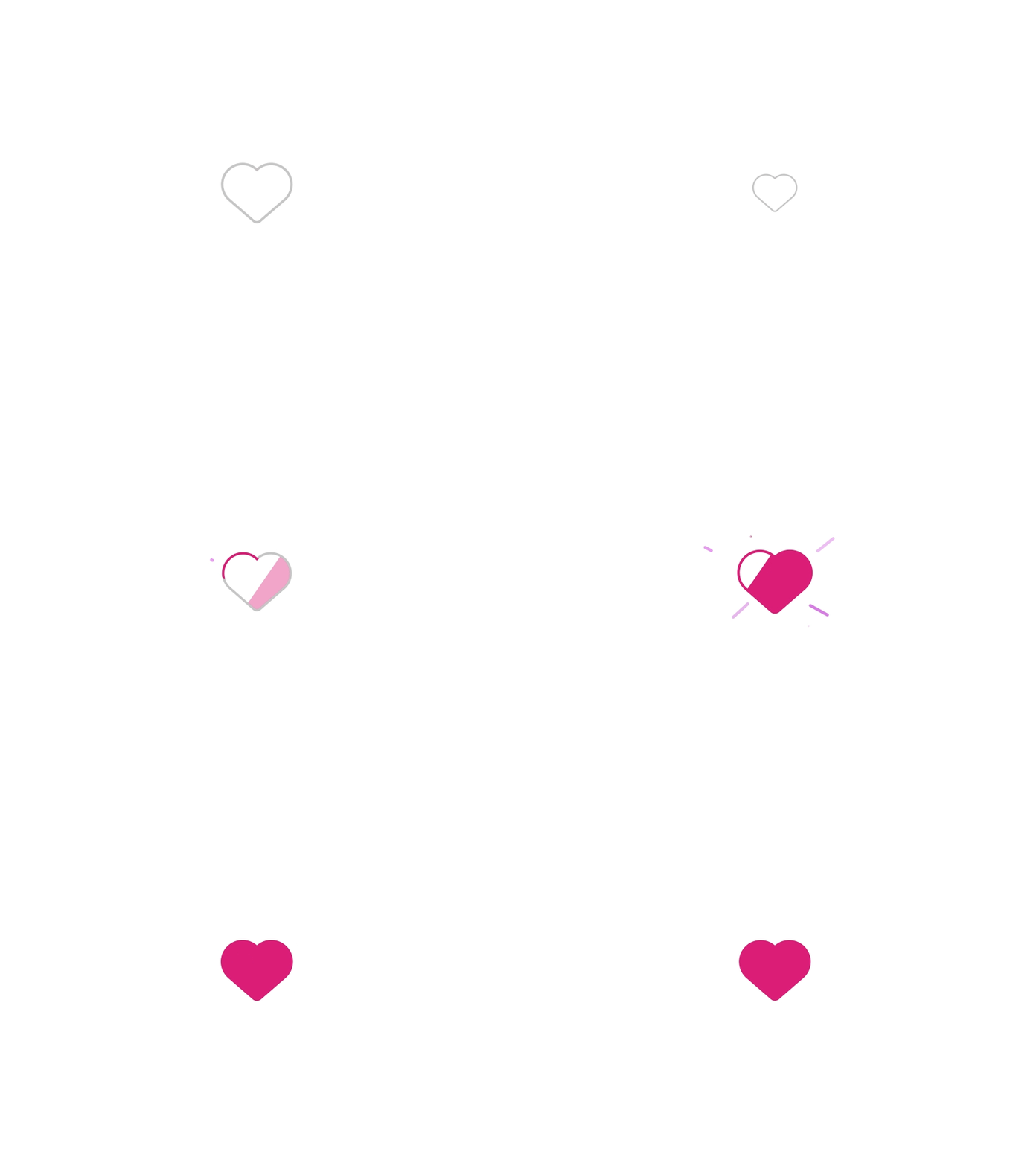
A "favourite" animation.
App icon design
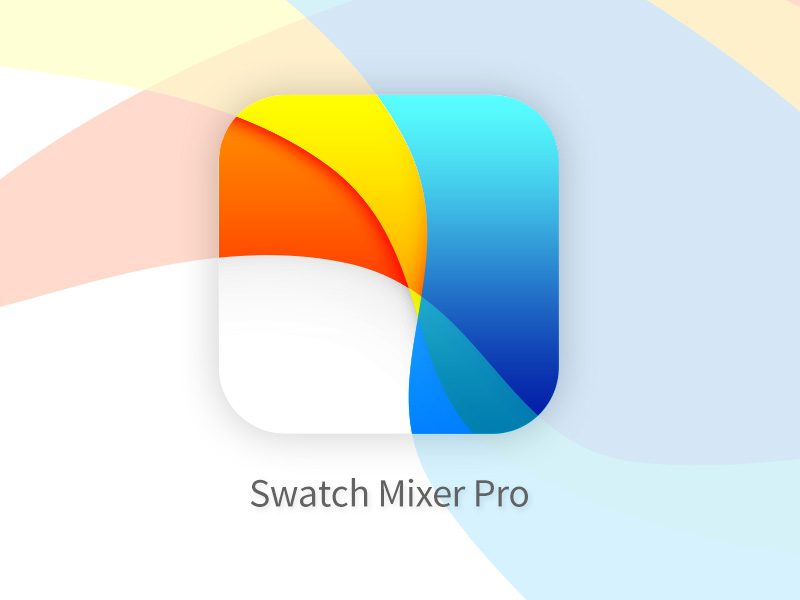
App icon design.
Logo design
Logo design for a cloud energy management company.
Personal Project: The Startup Notebook
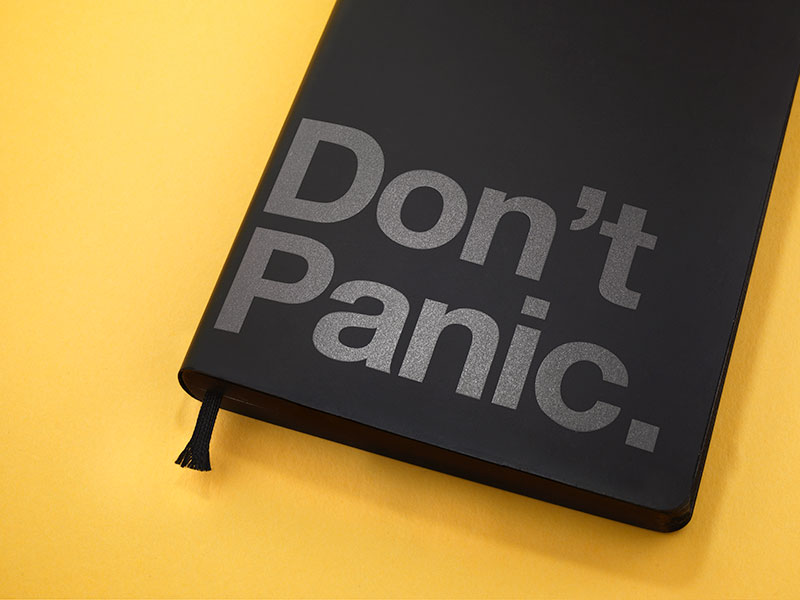
A notebook for startups I designed and made using Adobe InDesign.
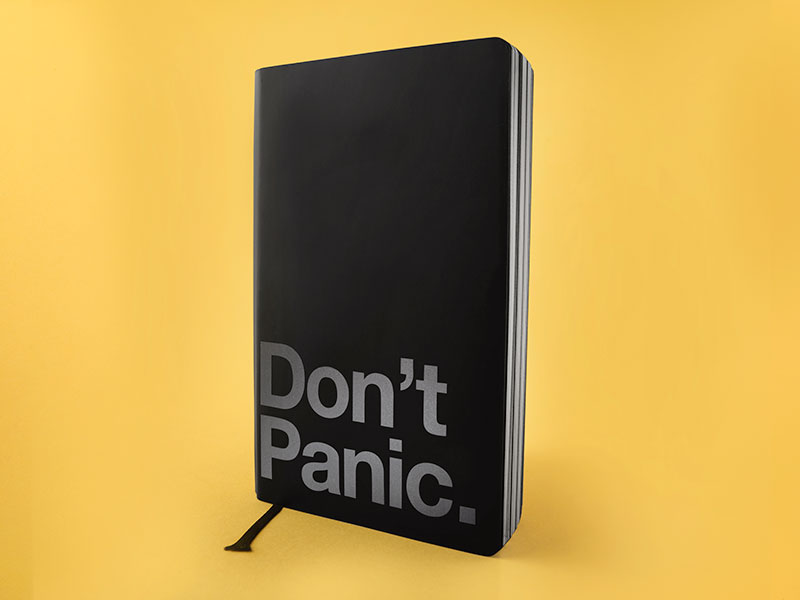
Featuring a triple black design with page tinting.
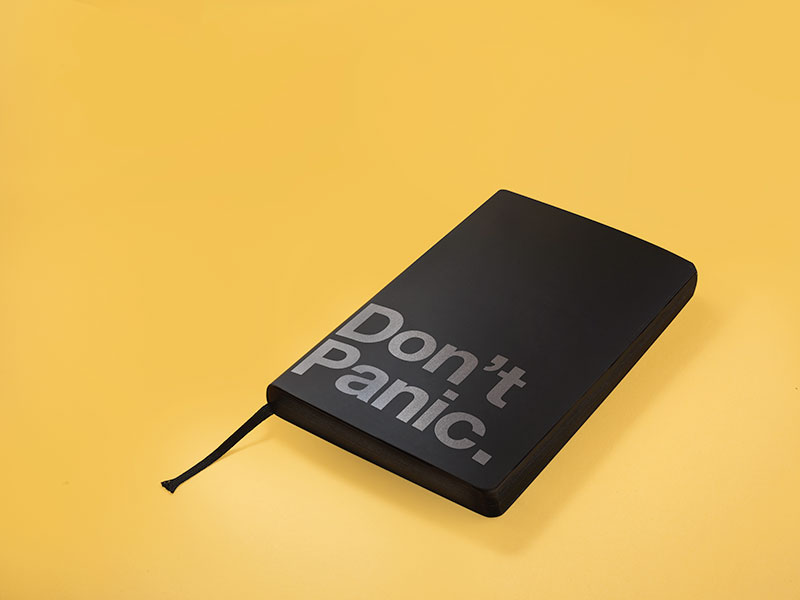
Silk screen print shimmers on the front cover.
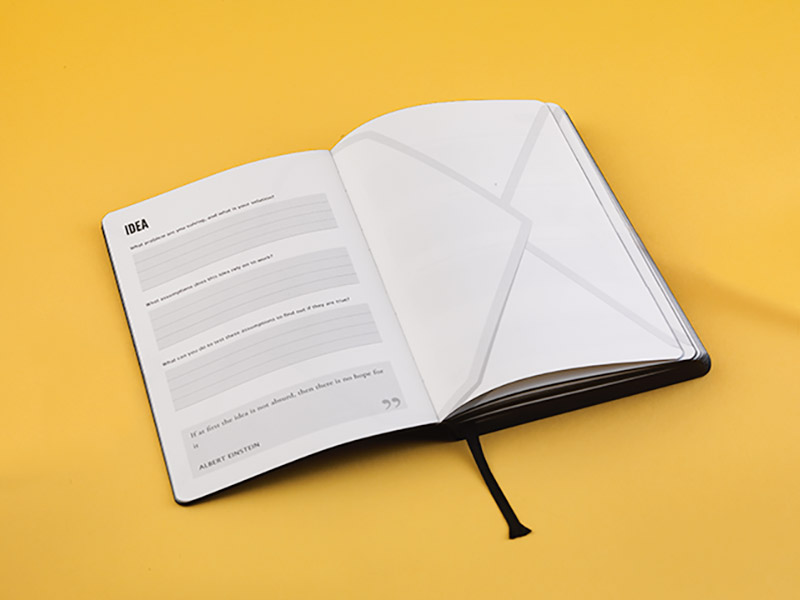
Manufactured with a lay flat binding method and custom paper.
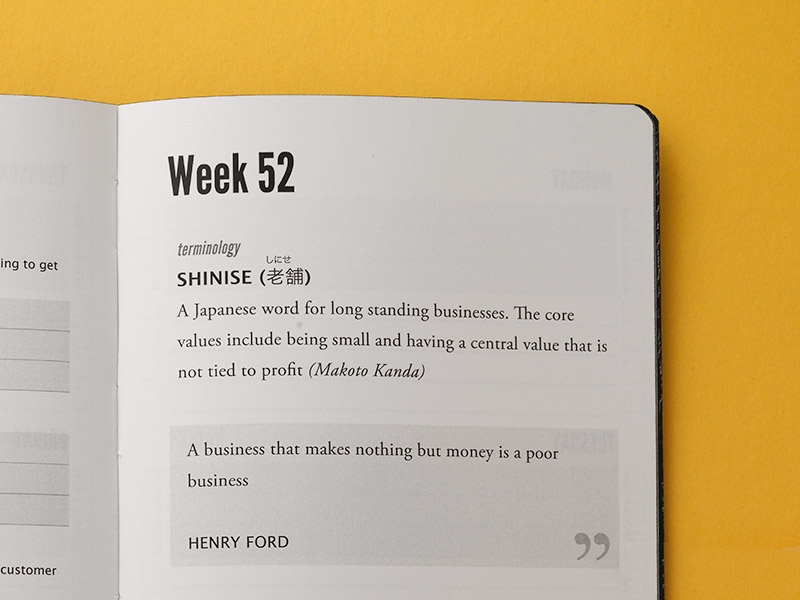
Every detail was meticulously tested, from the fonts to the best paper weight.
Project: 3D design
Project: Experiment with 3D design workflows
1/6 Research / mood board 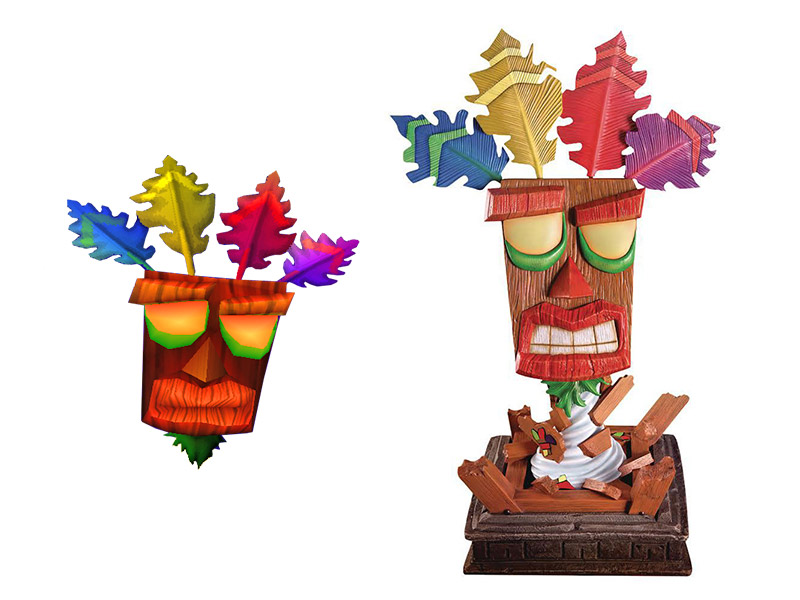
Phase 1: The design for Aku Aku I chose was the model from Crash Bandicoot 3 Warped, other earlier models were not as expressive.
2/8 2D projections 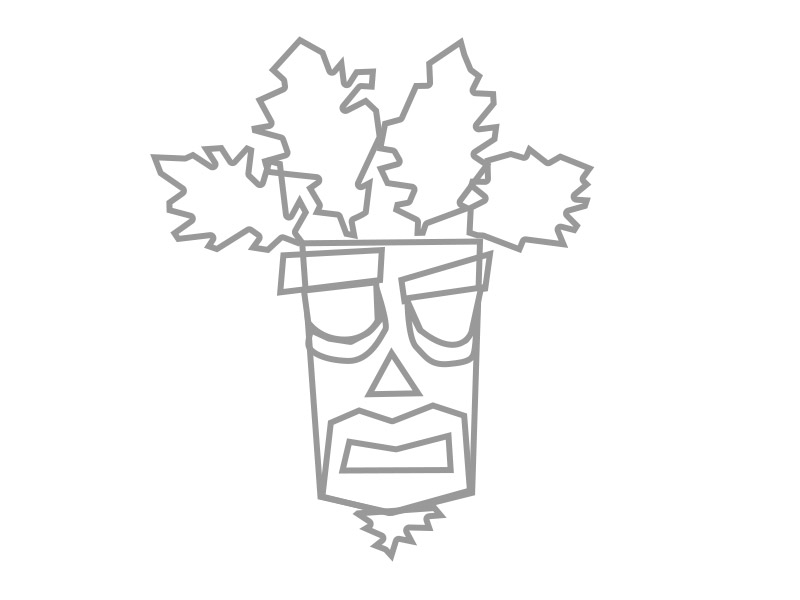
Phase 2: Rough front orthographic projection, used as a guide for 3D modelling.
3/8 3D model 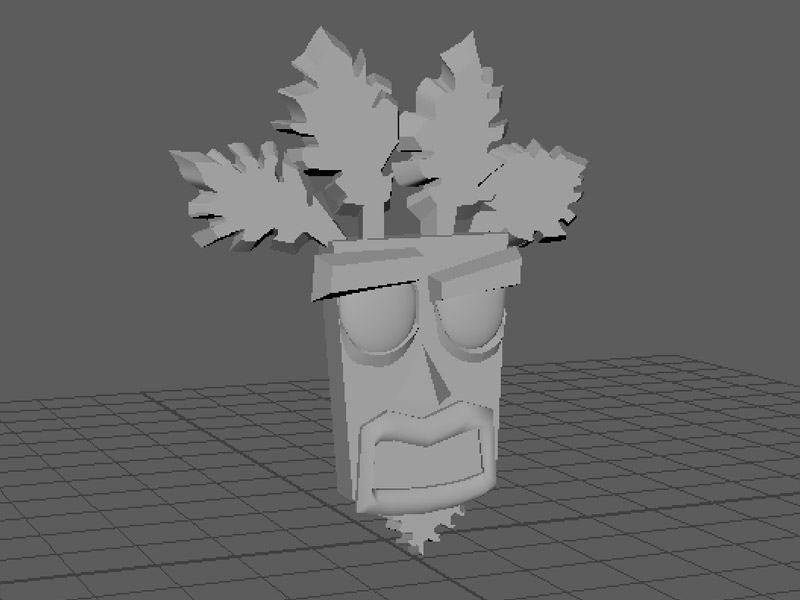
Phase 3: 3D model made up of individual meshes.
4/8 Texture & colour 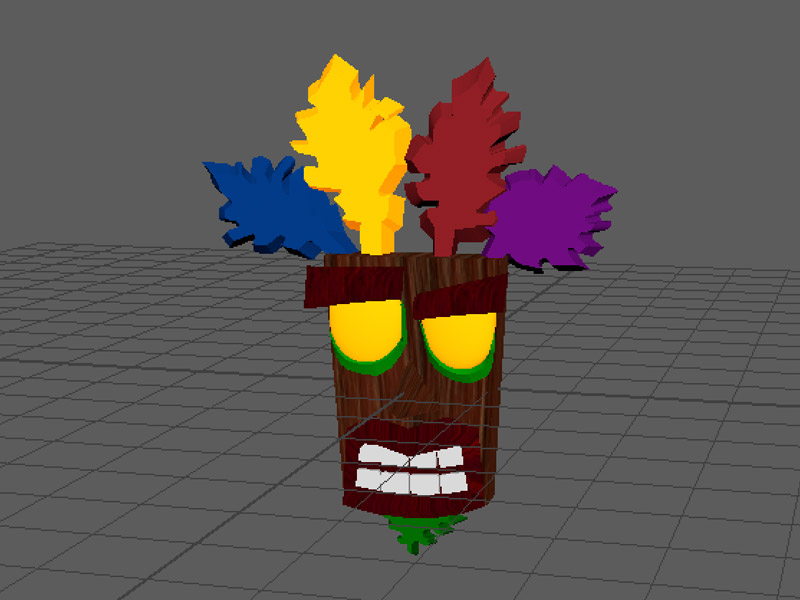
Phase 4: Textures and colours are added to the meshes using the source material. The model has been centred at (0,0,0) for export.
5/8 Model import 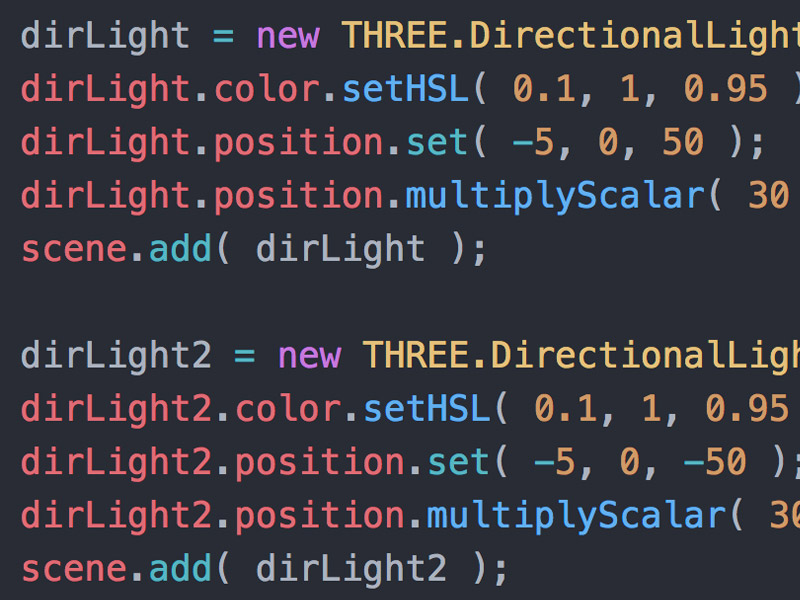
Phase 5: The model was exported as an FBX file (to retain its colour and textures for three.js). Lights were not exported and had to be added in code.
6/8 Final model
Phase 6: The final render in three.js (click & drag to rotate).
7/8 3D print 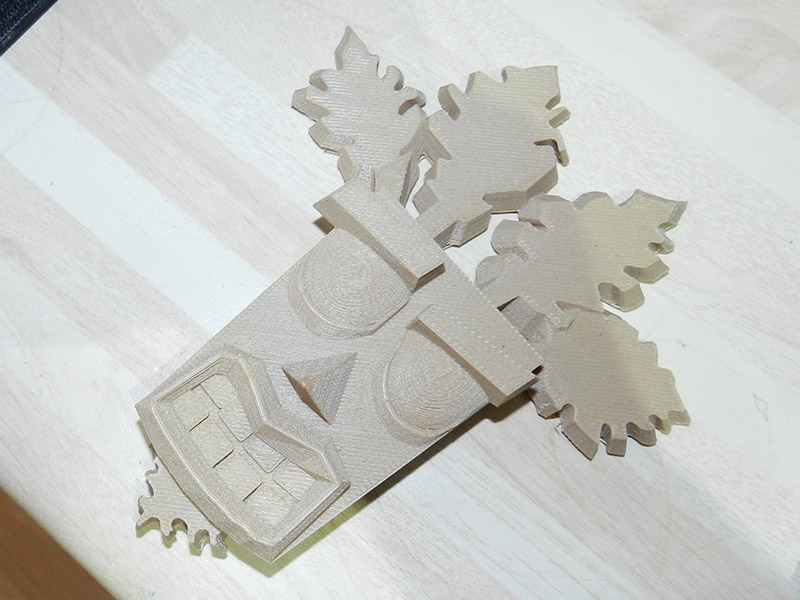
Phase 7: I exported the model to STL format for 3D printing using Woodfill PLA, some surfaces needed repair (non manifold).
8/8 WIP painting 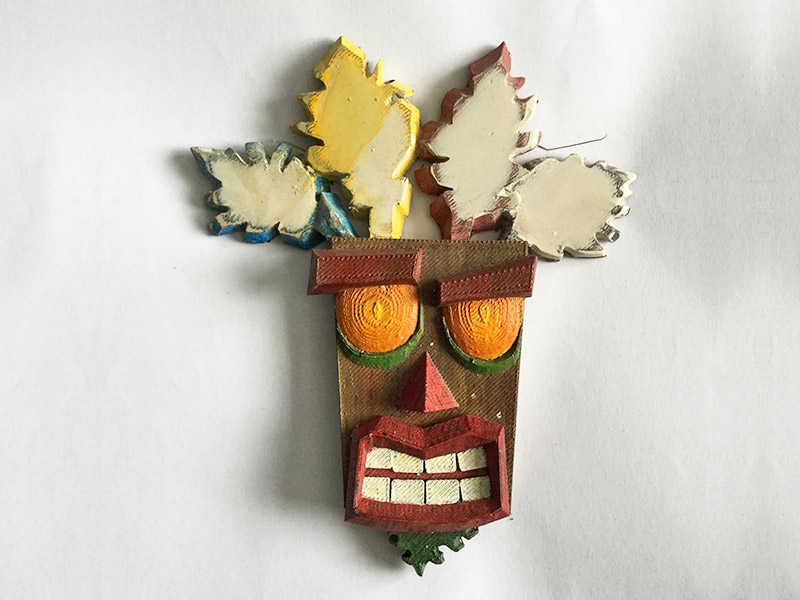
Phase 8: A work in progress painting of the 3D model.
Community work: Workshops
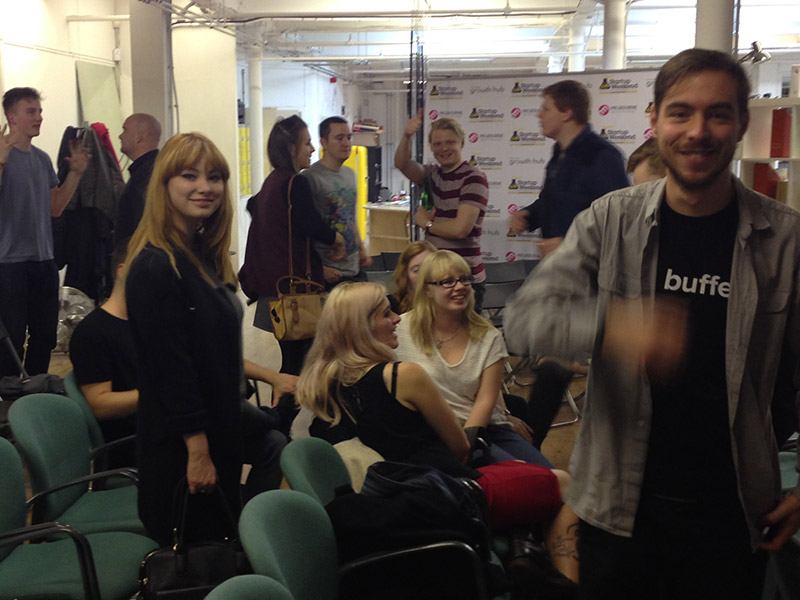
A skills share meetup I organised and ran.
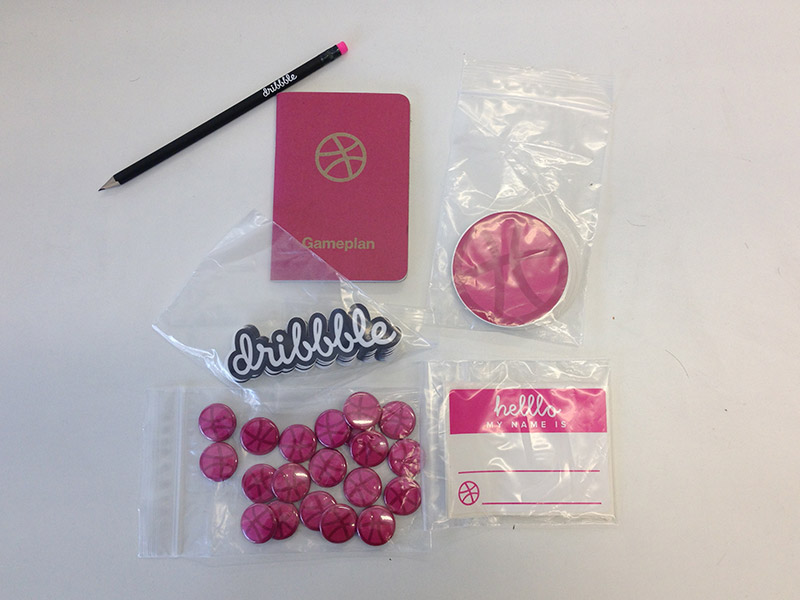
Swag from Dribbble for a graphic design meetup I organise.
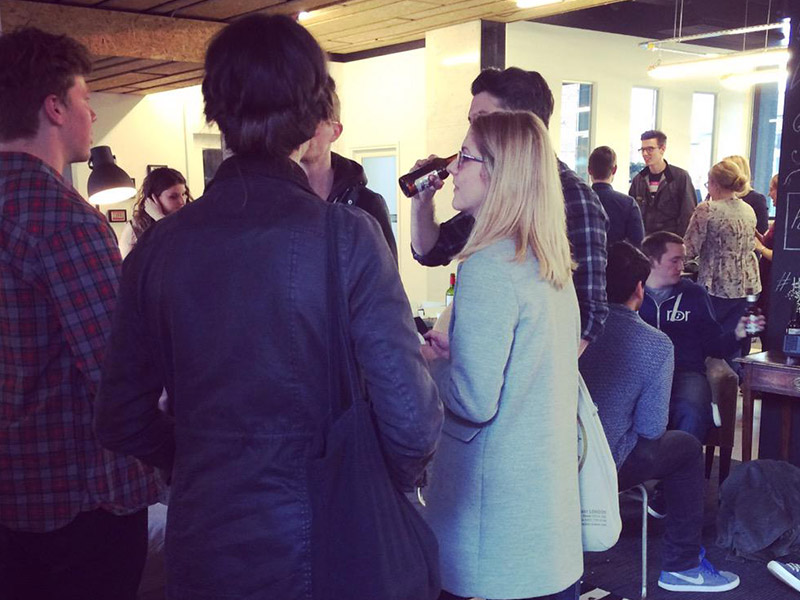
Motion / interaction designers meetup I organised.
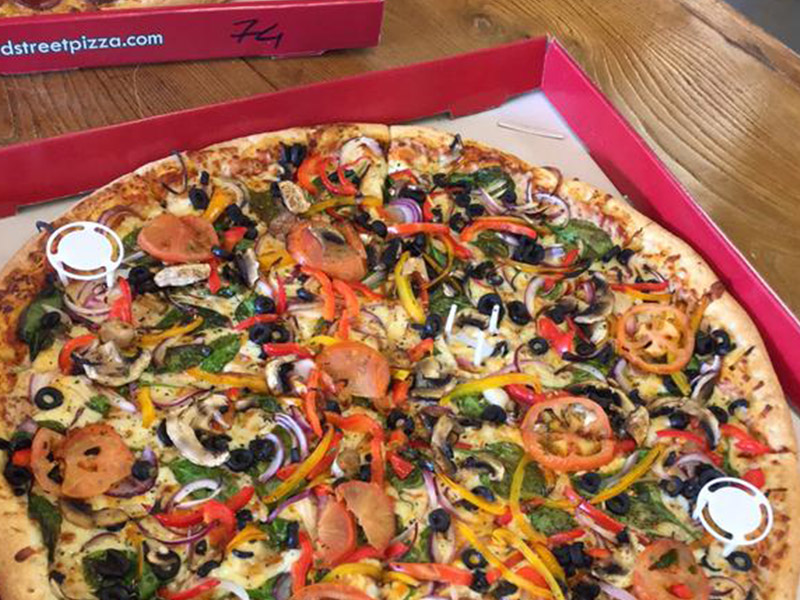
I liaised with digital companies to provide sponsorship for free food and drinks at the event.
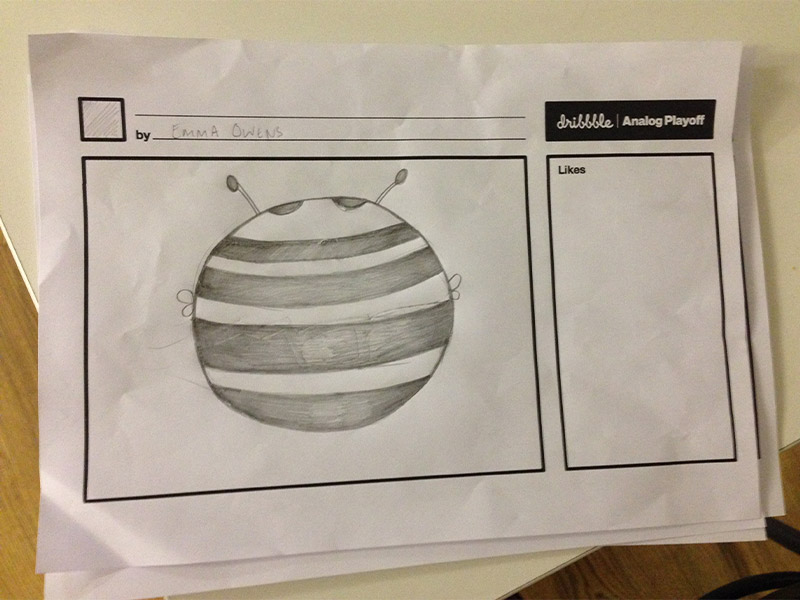
Dribbble "Analog Playoff" competition to design a logo in 5 minutes.
Community work: 3D design
Project: Make UVs for a community Lego platform.
1/4 High-res images 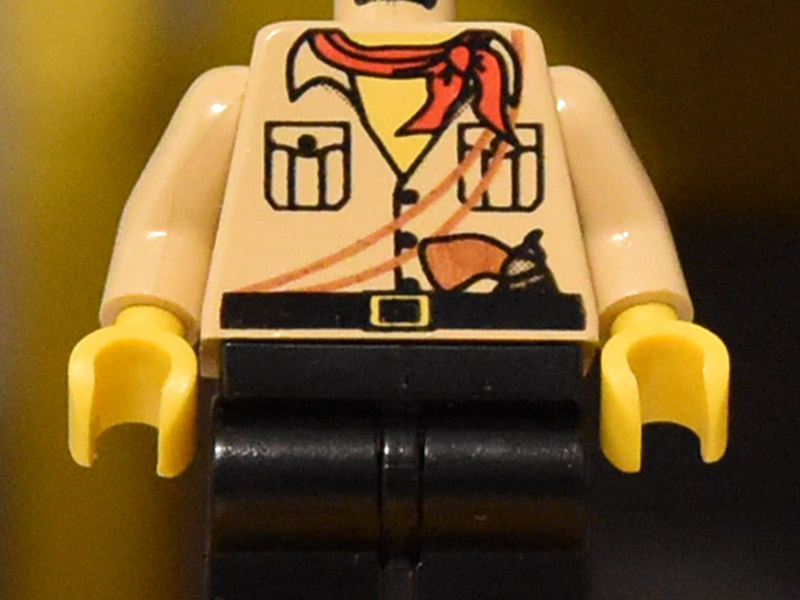
Phase 1: Take high-res images of the actual lego figure for reference.
2/4 UVs 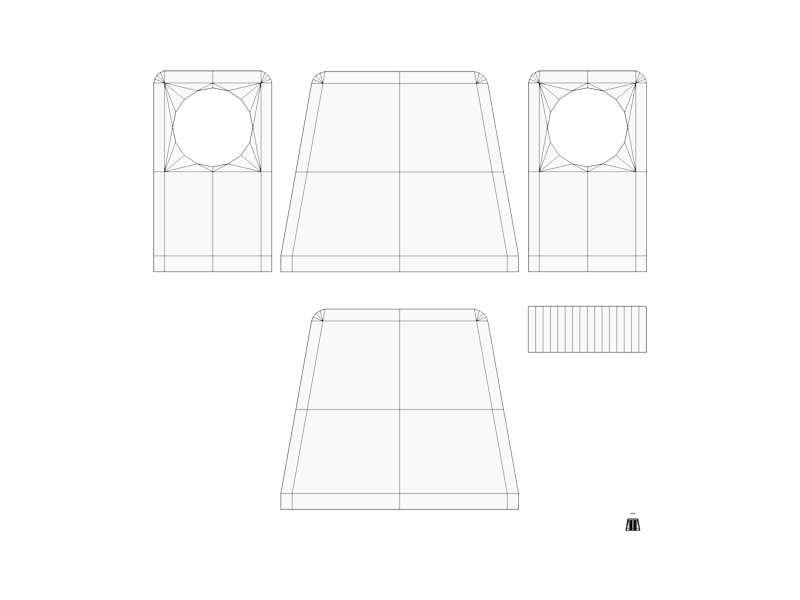
Phase 2: Download the unwrapped UV image.
3/4 Create uv decoration 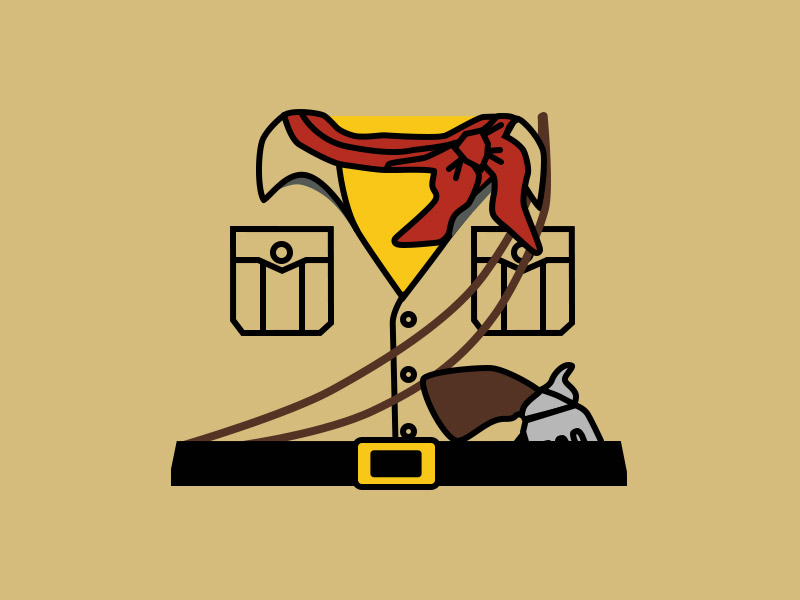
Phase 3: Created a new UV from the image reference.
4/4 Upload image 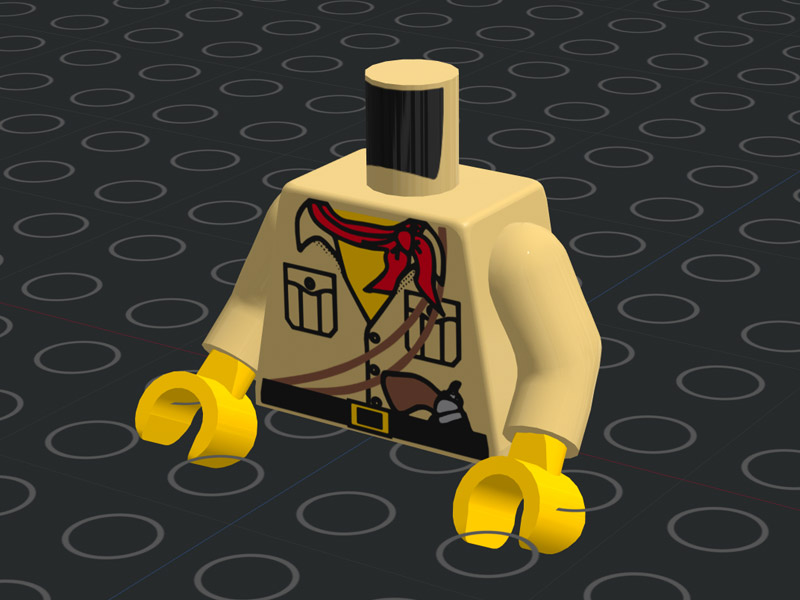
Phase 4: Apply the UV to the model.
Research and development
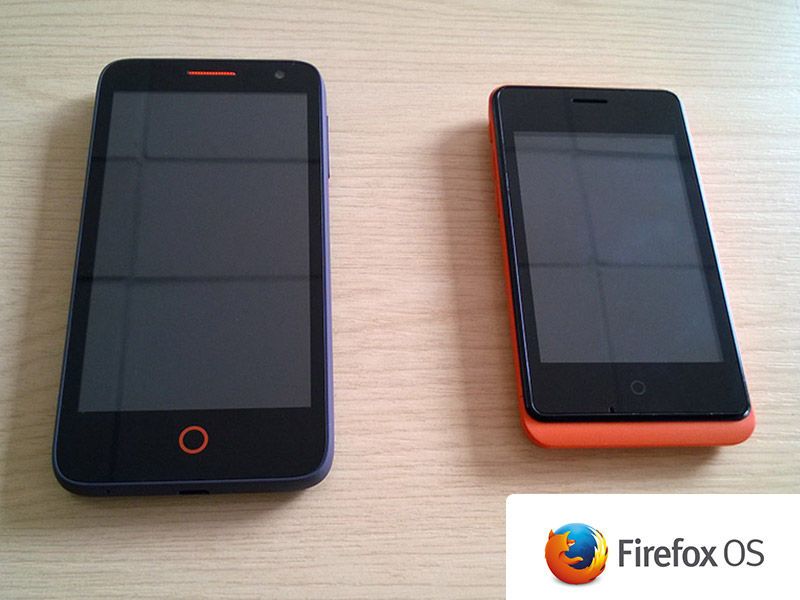
I was sent two prototype Firefox OS devices to design/develop apps for. Mozilla discontinued this project.
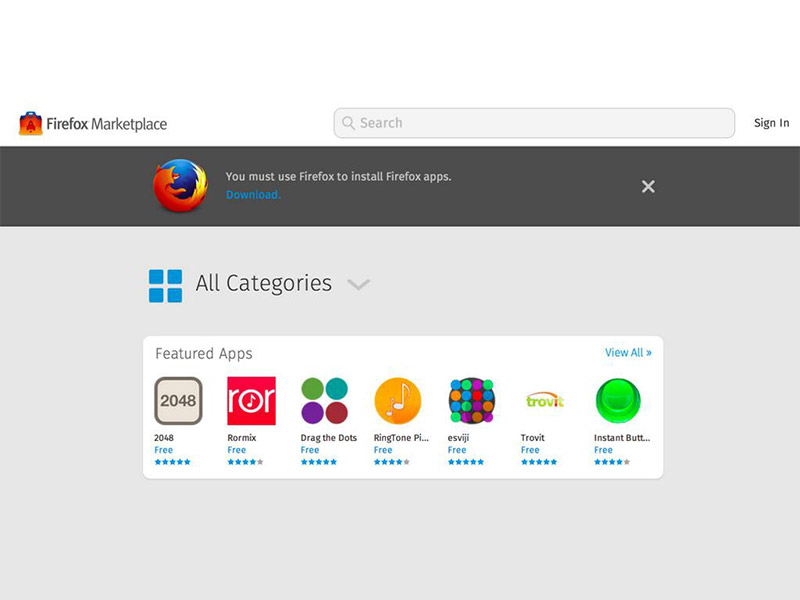
Screenshot of the app I made (Rormix) featured in the Firefox Marketplace.
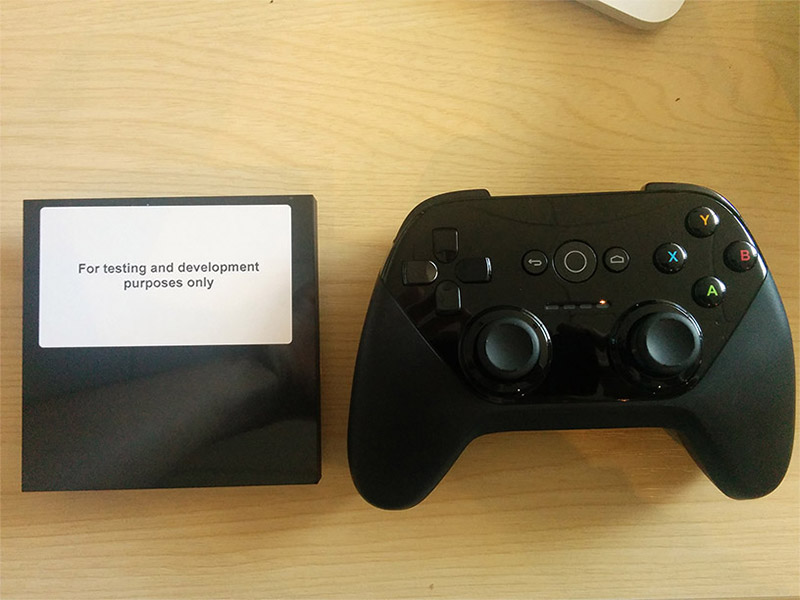
Google sent me an Android TV development kit before release to design an indie music app for the platform.
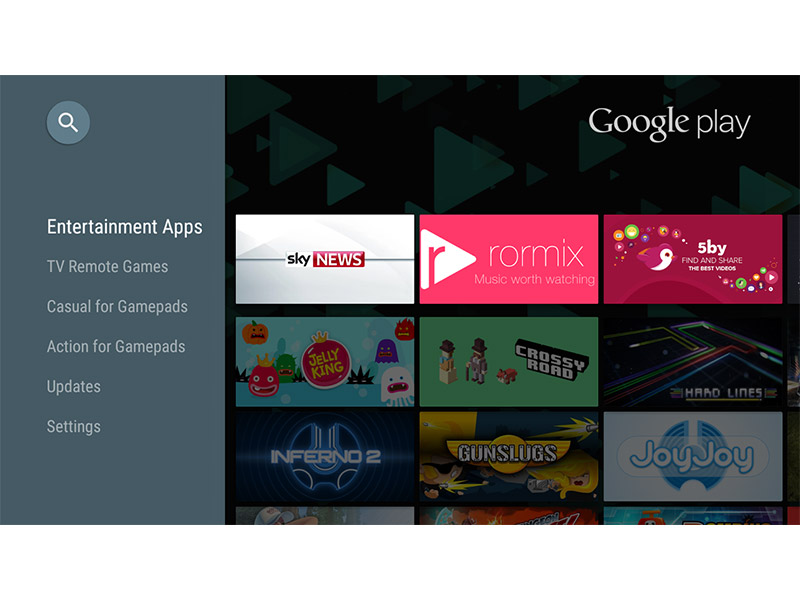
Screenshot of the Android TV app I designed in the Google Play store.
Miscellaneous
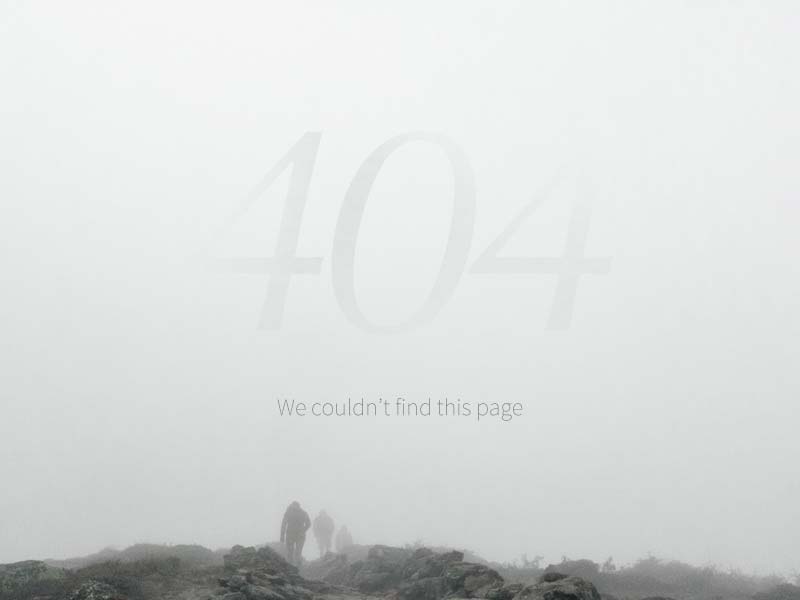
404 page design.
Competition entries
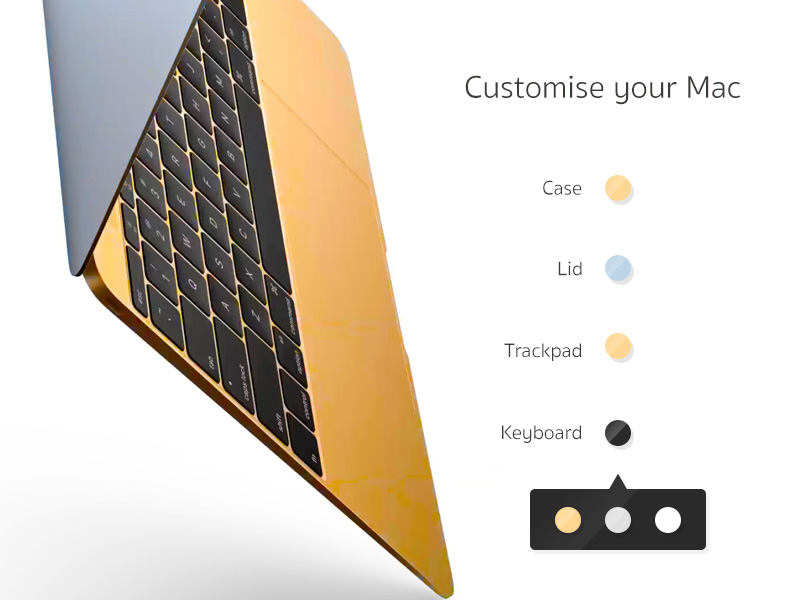
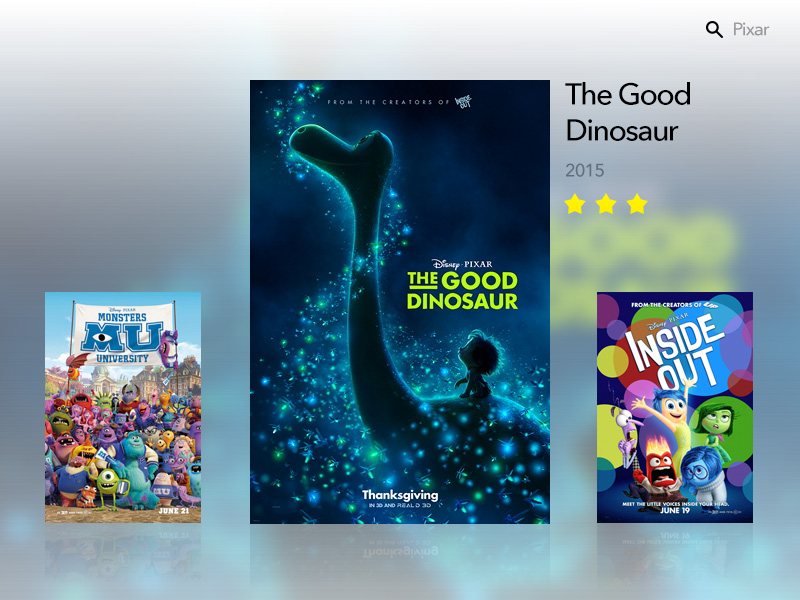
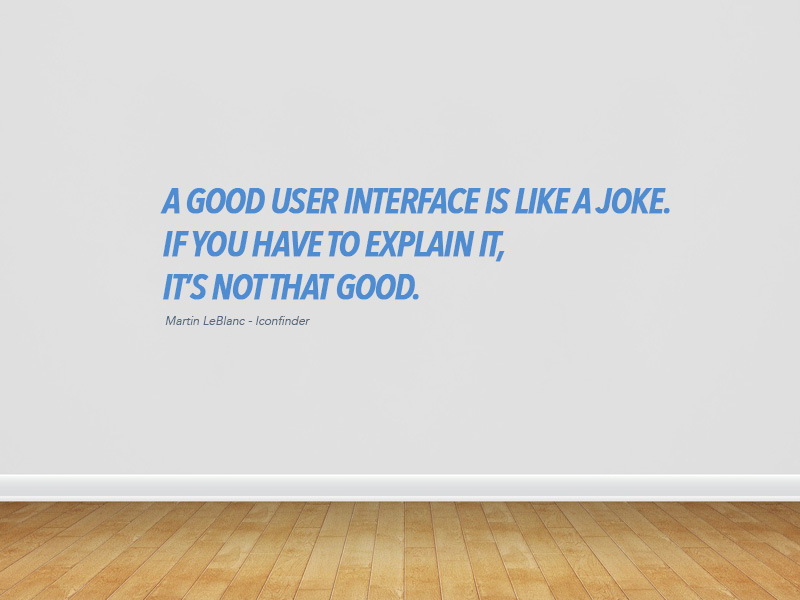
Winner of the Sticker Mule wall design competition.
Philosophy
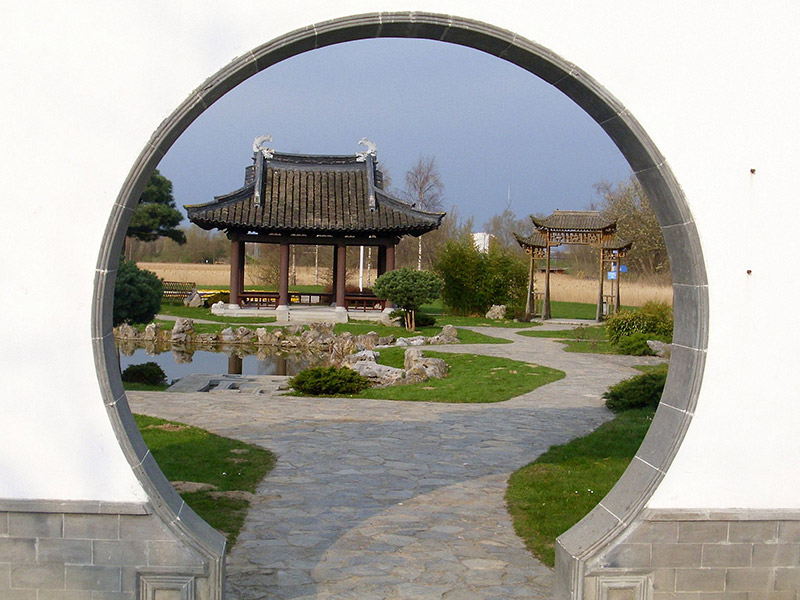
A Chinese moon gate; allows only one person to pass at a time making the experience more intimate and significant.
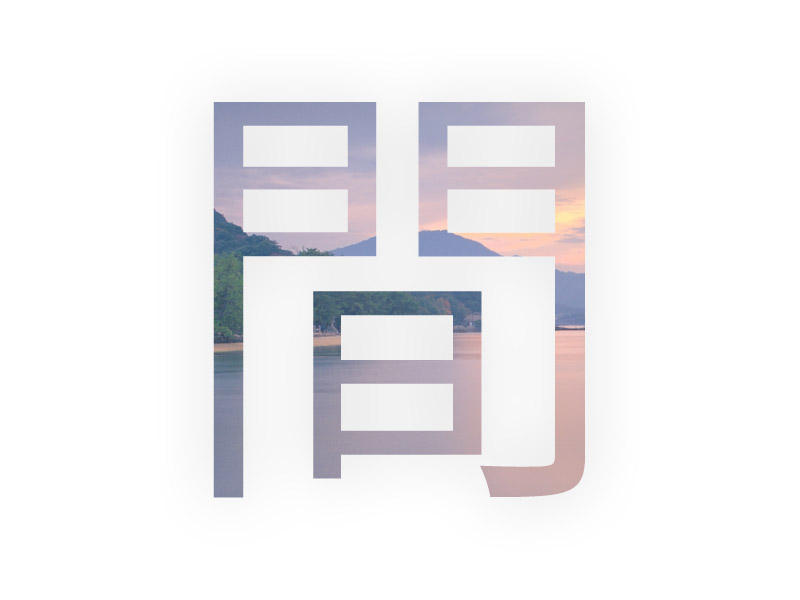
間 (pronounced 'mah') is a Japanese word for space, it implies that the space between things is as important as the things themselves.
Guest articles
Change color scheme
Auto Light Paper Night
Some works removed due to contract / NDA.
